















CATS integration for LinkedIn: smarter recruiting

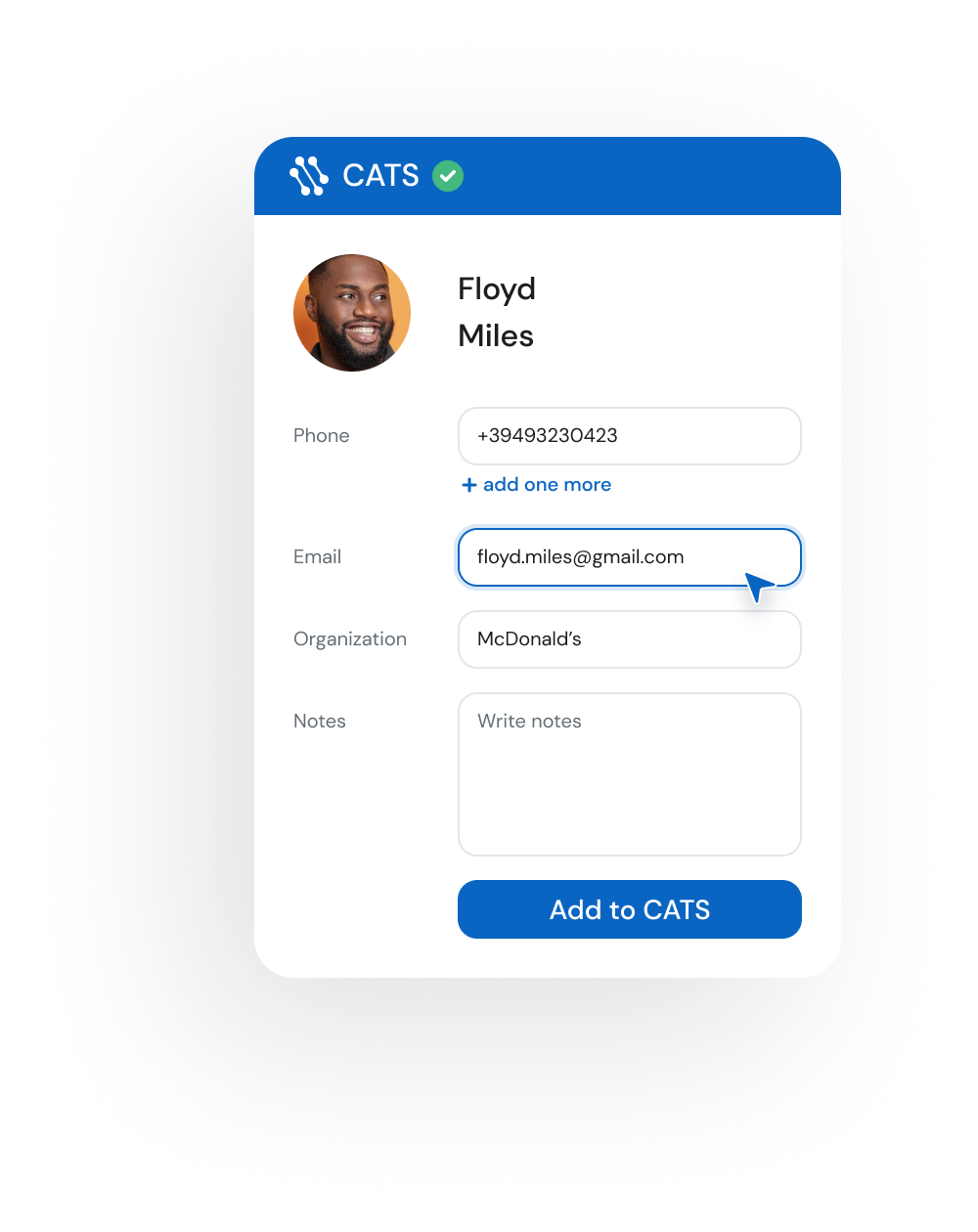
Keep CATS updated while you source on LinkedIn. Instantly match, save, and edit candidate and contact records — no copy‑paste.
Works right on LinkedIn® and XING profile pages.
It’s free to start and it takes 20 sec
crm crm crm crm crm crm crm crm crm crm crm crm

Connect CATS to LinkedIn in 3 steps

easy1

Install LinkMatch from Chrome Web Store

Step 1
easy1

Login
with your CATS email

Step 2
easy1

Start saving and updating records in CATS while you browse

Step 3

What LinkMatch does inside CATS

Matching

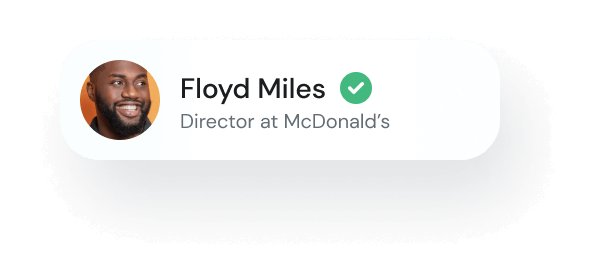
  • Instantly see who’s already in CATS (candidates vs. contacts)
  • Clear labels prevent mix‑ups while you prospect
lay1
lay2
lay3
lay1
lay2

Sync

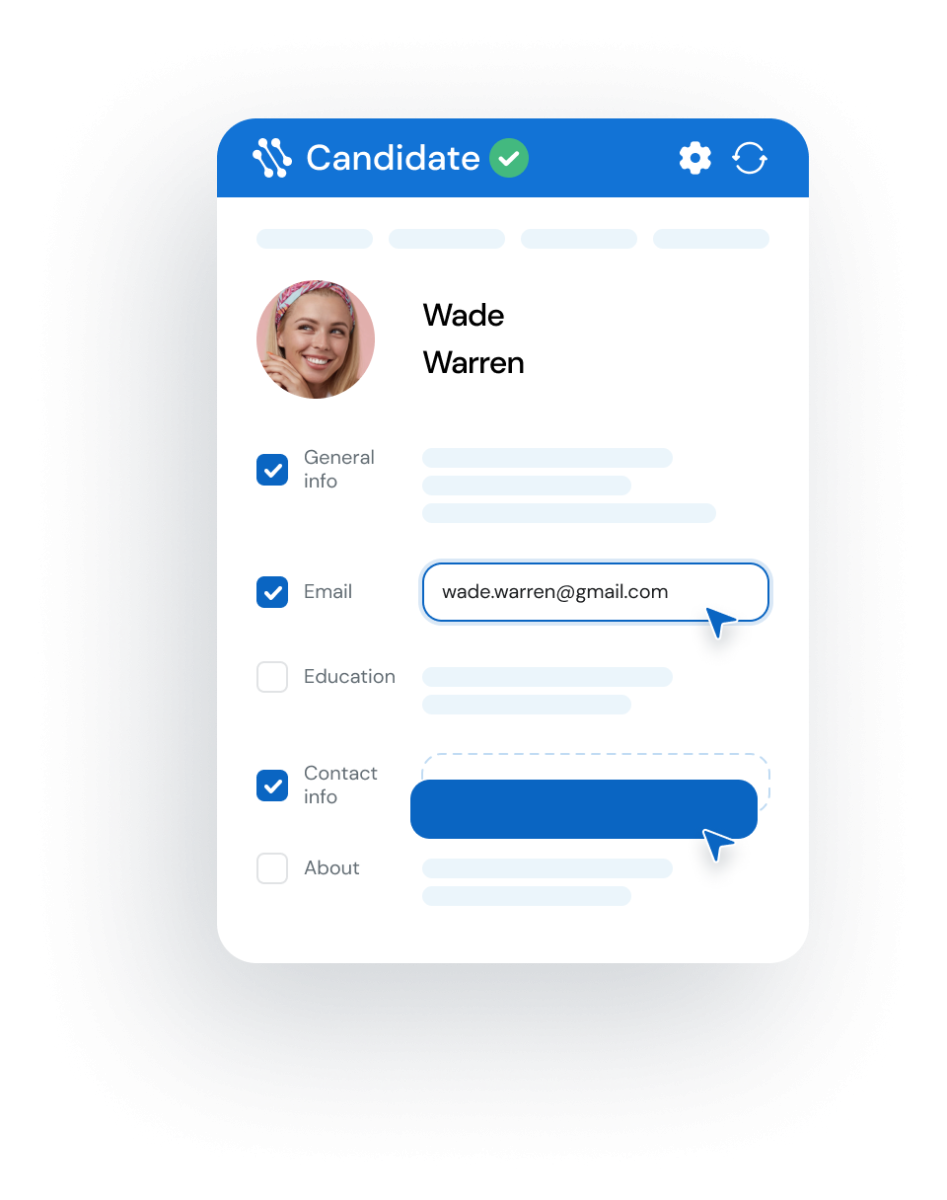
  • View and edit CATS records directly from your browser
  • Personalize the in‑browser view to focus on the fields that matter
chr Start saving to your CATS
... and even more
img1

On the Fly Profile

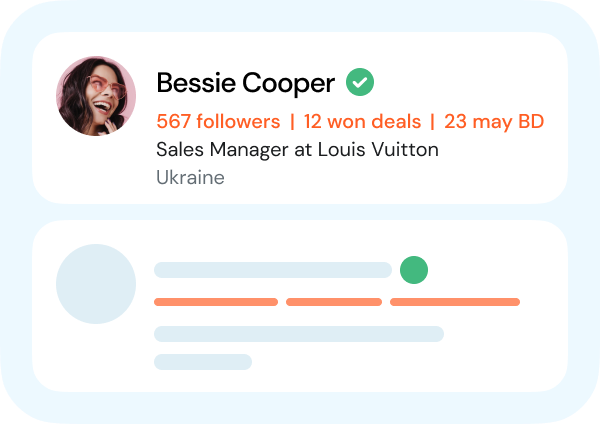
We display up to three fields of additional info without opening the profile page
img1

Customer dashboard

Manage your team, subscriptions, settings and analytics in one place.
img1

Extra contact details

Surface helpful profile insights like birthdays or activity stats to personalize your outreach

How much time can your team save
by using LinkMatch
for your LinkedIn and CATS integration?

1 month
duration in months
1
24
5 seats
number of seats
5
30
900
hours
saved
Start saving time now!
2 hours per day x 10+ profiles per hour x 2 min saved per profile x 1 months x 5 seats

LinkMatch for CATS pricing

Accounts with 20+ paid users are eligible for a free 45 min onboarding call.
Reach out to us to book one.
Monthly
Quarterly
Annually SAVE 5%

Standard Plan

€ 5.99 user/month
14 day free trial
Features
  • Instantly see which profiles are already in your CATS CRM
  • View and edit candidate records directly from your browser
  • Use your CATS custom fields
  • Adjust your profile view to only see what's important
  • Compatible with premium sales & recruiting platforms

Standard Plan

€ 5.69 user/month
14 day free trial
Features
  • Instantly see which profiles are already in your CATS CRM
  • View and edit candidate records directly from your browser
  • Adjust your view to focus only on the details that matter
  • Adjust your profile view to only see what's important
  • Compatible with premium sales & recruiting platforms

Standard Plan

€ 5.69 user/month
14 day free trial
Features
  • Instantly see which profiles are already in your CATS CRM
  • View and edit candidate records directly from your browser
  • Use your CATS custom fields
  • Adjust your view to focus only on the details that matter
  • Compatible with premium sales & recruiting platforms
check Free 14 day trial, no credit card required
check Cancel anytime
check Instant sign-up (less than 20 seconds)

Supported CRMs

crm crm crm crm crm crm crm crm crm crm crm crm

Don't see your CRM in the list?
Let us know at [email protected]

CATS integration FAQ

How do I save/update LinkedIn profiles in bulk/in a batch instead of one by one?

With the Pro plan, LinkMatch allows you to save or update multiple profiles at once. From search results or saved lists on LinkedIn, you can import them directly into CATS in bulk — no repetitive copy-paste needed.

How can a LinkedIn integration with CATS benefit my recruiting process?

The integration reduces manual data entry, keeps candidate records always updated, and ensures your recruiting team has accurate information available while browsing profiles. This saves time and improves productivity so your team can focus on building candidate relationships rather than admin work.

How does LinkMatch handle duplicate candidate records when integrating LinkedIn with CATS?

LinkMatch automatically checks whether a profile already exists in CATS. If it does, the system flags it so you can update the existing record instead of creating a duplicate. This keeps your database clean and prevents confusion.

How does LinkMatch ensure data accuracy when integrating LinkedIn with CATS?

When a candidate profile changes, LinkMatch compares the new details with your CATS record and highlights differences. You choose whether to update, ensuring only relevant and verified information is synced into your ATS.

ph1
Alison Parker
done done
Developer at Apple
ph5
Peter Black
done done
HR Director

Ready to enjoy
the ultimate
CATS
integration?