























Perfect
Zoho CRM integration for your workflow

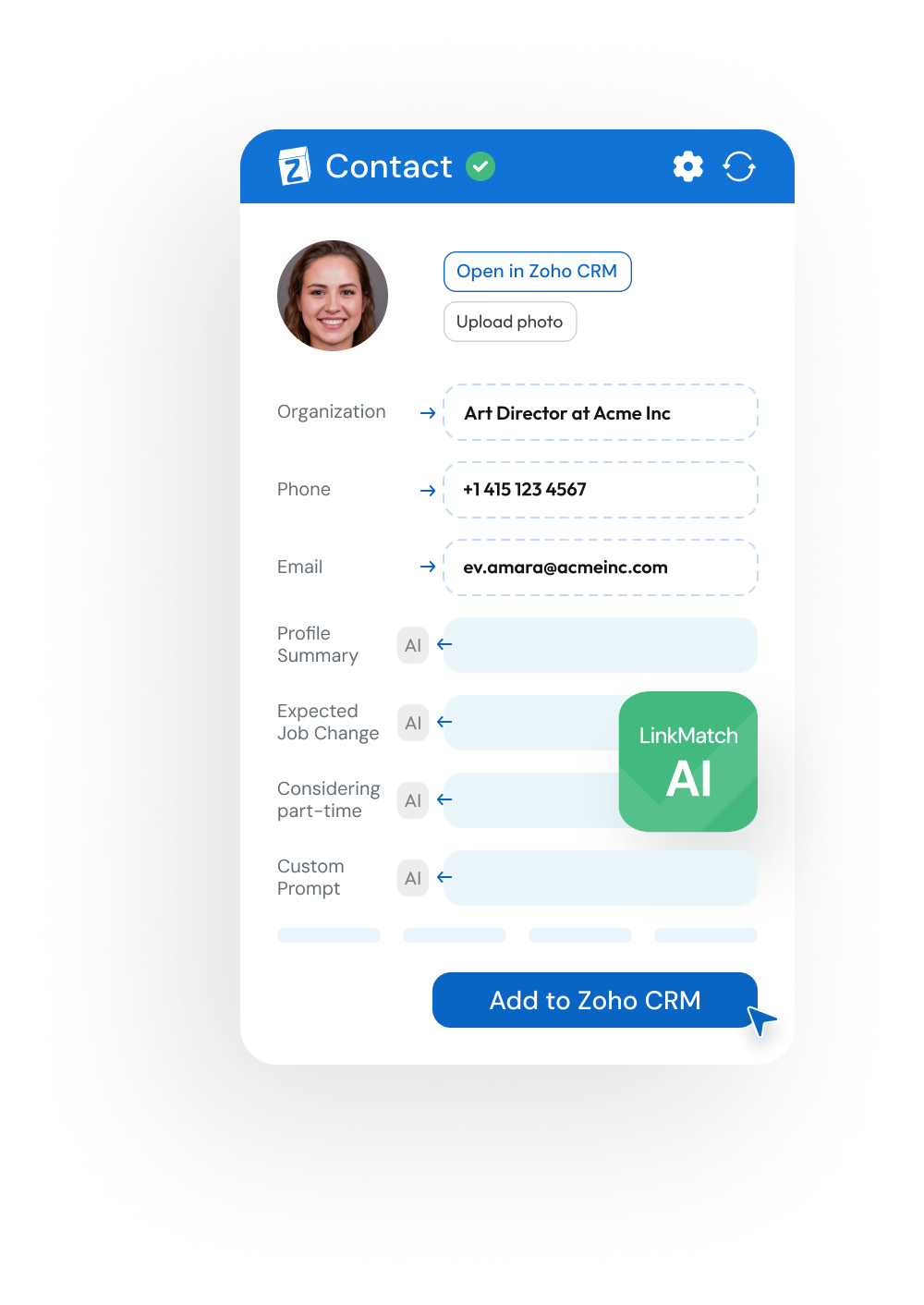
Keep Zoho updated while browsing professional networking sites. Save contacts, tasks, and deals instantly — no copy-paste required.
Now with AI Insights!
It’s free to start and it takes 20 sec
image
crm crm crm crm crm crm crm crm crm crm crm crm

Start with 3 easy steps

easy1

Install LinkMatch from Chrome Web Store

Step 1
easy1

Login
with your Zoho CRM email

Step 2
easy1

Start saving and updating records in Zoho while you browse

Step 3

Features

Matching

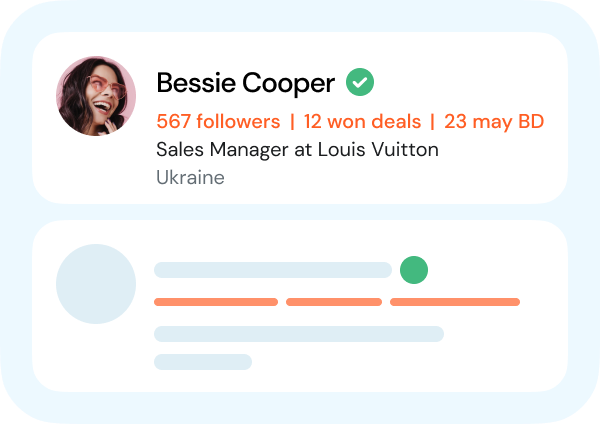
  • Instantly see which contacts, leads, or accounts are already in Zoho CRM
  • Clear lead/contact labels so you never mix them up
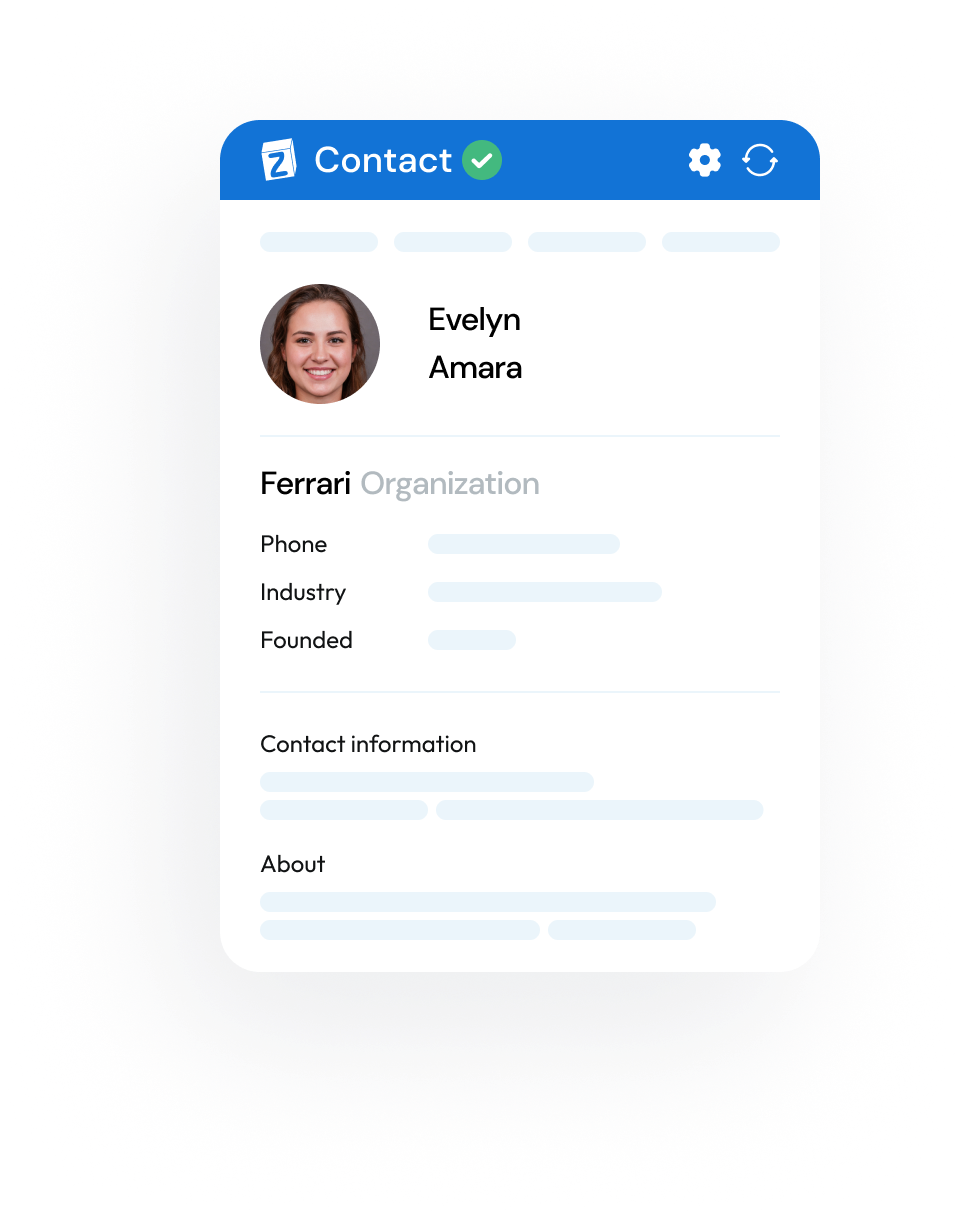
  • View and update Zoho records directly from your browser
lay1
lay2
lay3
lay1
lay2

Saving

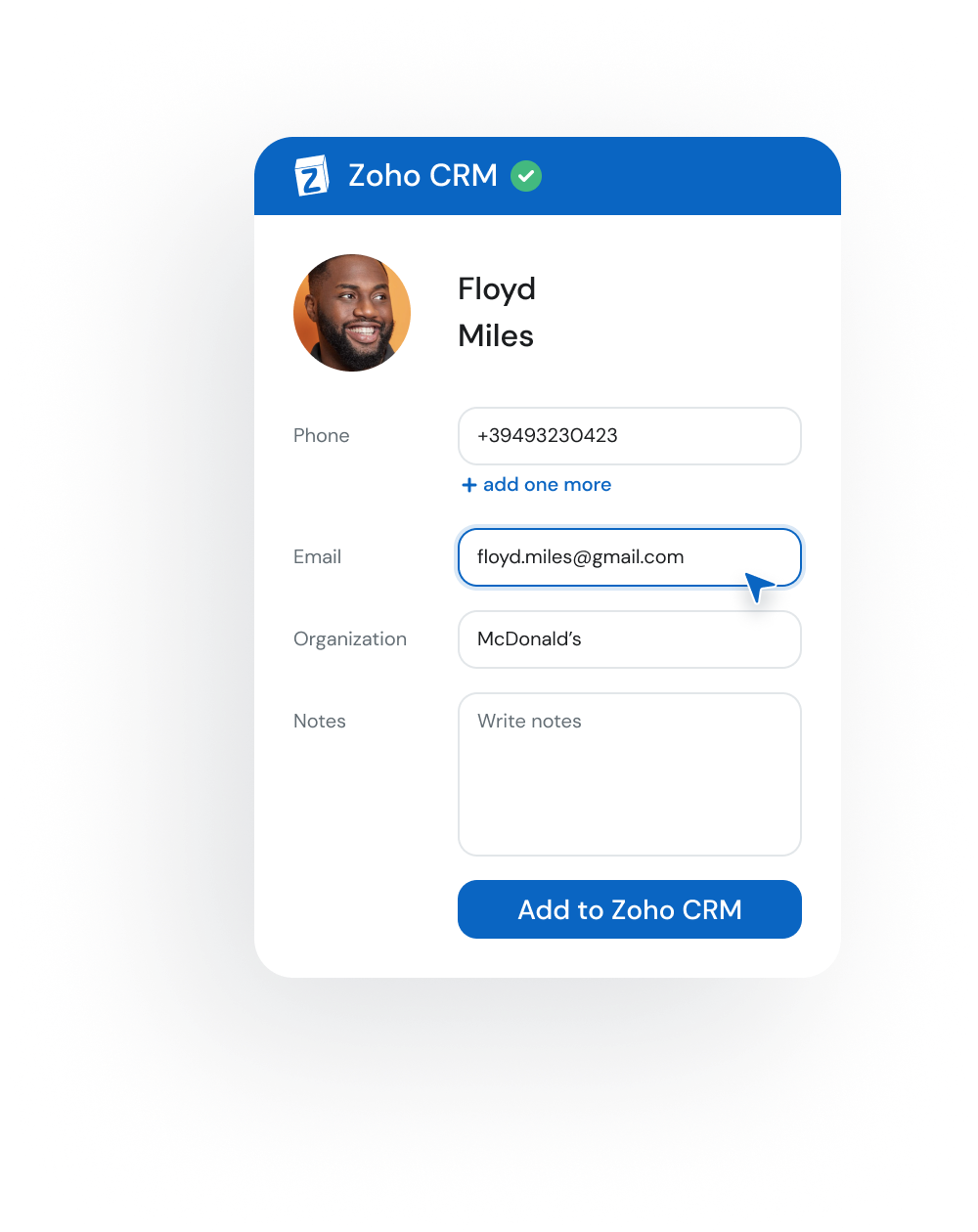
  • Add new profiles to Zoho in one click
  • Choose which fields to save and how they map (custom fields supported)
  • Save conversations automatically into Zoho as Notes or in a custom field
chr Start saving to your Zoho CRM

Sync

  • Spot updates at a glance and apply changes to Zoho instantly
  • Customize your Zoho profile view to only see the fields you care about
  • Auto-create Deals in Zoho with prefilled data from profiles
chr Start automation
lay1
lay2
lay1
lay2

AI Insights

  • Identify decision-makers and influencers instantly
  • Get communication style cues to personalize outreach
  • See quick summaries and run custom prompts for deal-specific insights
chr Start using AI to boost efficiency
... and even more
img1

On the Fly Profile

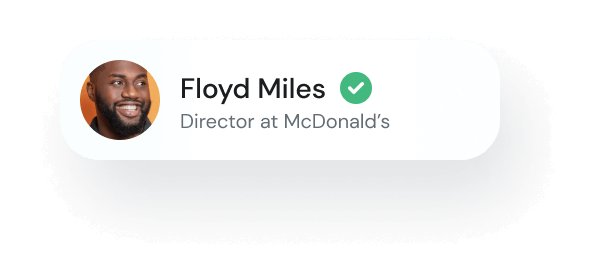
We display up to three fields of additional info without opening the profile page
img1

Customer dashboard

Manage your team, subscriptions, settings and analytics in one place.
img1

Extra contact details

Surface helpful profile insights like birthdays or activity stats to personalize your outreach

How many new deals can you get by using
LinkMatch for your Zoho CRM integration?

1 month
duration in months
1
24
5 seats
number of seats
5
30
60
new
closed
deals
Get deals right now!
2 hours per day x 10+ leads per hour x 10% conversion rate x 1 months x 5 seats

Pricing

Accounts with 20+ paid users are eligible for a free 45 min onboarding call.
Reach out to us to book one.
Monthly
Quarterly SAVE 10%
Annually SAVE 25%

Standard Plan

$ 21.99 user/month
14 day free trial
Features
  • Instantly see which contacts are already in Zoho CRM
  • 300 email enrichments
  • Add new contacts to Zoho CRM in one click
  • View and edit Zoho CRM records directly from your browser — including Leads and Accounts
  • Automatically create Deals and Tasks with prefilled details
  • Best for everyday CRM workflows. Advanced premium platforms require the Pro plan
Bestseller

Professional Plan

$ 35.99 user/month
14 day free trial
Features
  • Everything from STANDARD plan
  • AI-driven profile insights and custom prompts
  • 1100 bulk exports
  • 1100 email enrichments
  • Automatic message sync
  • Preview Zoho CRM info “on the fly” — no clicks needed
  • Full support for premium platforms
  • Priority support

Standard Plan

$ 19.99 user/month
14 day free trial
Features
  • Instantly see which contacts are already in Zoho CRM
  • 300 email enrichments
  • Add new contacts to Zoho CRM in one click
  • View and edit Zoho CRM records directly from your browser — including Leads and Accounts
  • Automatically create Deals and Tasks with prefilled details
  • Best for everyday CRM workflows. Advanced premium platforms require the Pro plan
Bestseller

Professional Plan

$ 31.99 user/month
14 day free trial
Features
  • Everything from STANDARD plan
  • AI-driven profile insights and custom prompts
  • 1100 bulk exports
  • 1100 email enrichments
  • Autosync conversations with your leads
  • Preview Zoho CRM info “on the fly” — no clicks needed
  • Full support for premium platforms
  • Priority support

Standard Plan

$ 15.99 user/month
14 day free trial
Features
  • Instantly see which contacts are already in Zoho CRM
  • 300 email enrichments
  • Add new contacts to Zoho CRM in one click
  • View and edit Zoho CRM records directly from your browser — including Leads and Accounts
  • Automatically create Deals and Tasks with prefilled details
  • Best for everyday CRM workflows. Advanced premium platforms require the Pro plan
Bestseller

Professional Plan

$ 28.99 user/month
14 day free trial
Features
  • Everything from STANDARD plan
  • AI-driven profile insights and custom prompts
  • 1100 bulk exports
  • 1100 email enrichments
  • Autosync conversations with your leads
  • Preview Zoho CRM info “on the fly” — no clicks needed
  • Full support for premium platforms
  • Priority support
check No credit card required for a trial
check Cancel anytime
check Discounts available for Pro plan for 10+ users
check Instant sign-up (less than 20 seconds)

Supported CRMs

crm crm crm crm crm crm crm crm crm crm crm crm

Don't see your CRM in the list?
Let us know at team@linkmatch.com

Zoho CRM integration FAQ

How does LinkMatch AI work with Zoho CRM?

LinkMatch AI delivers insights directly into Zoho CRM while you browse professional networking sites. You’ll see profile summaries, role highlights, communication style analysis, and can use custom prompts for faster decision-making.

What functionality of Zoho CRM is supported by LinkMatch?

You can view and update Zoho records — including Contacts, Leads, Accounts, Deals, and Tasks — directly from your browser. LinkMatch also supports creating new records, syncing updates, and auto-creating Deals and Activities.

Does LinkMatch fetch the email and phone number?

Yes. LinkMatch provides email and phone enrichment, which can be added automatically into Zoho CRM fields. The number of enrichments available depends on your plan.

How do I save/update business social profiles in bulk/in a batch instead of one by one?

With the Pro plan, LinkMatch supports bulk saving from search results or saved lists in professional networking platforms, letting you add multiple contacts into Zoho CRM at once.

Do you offer integrations with other CRM systems?

Currently we are integrated with Zoho CRM/Recruit, Pipedrive, Greenhouse, Close, HubSpot, Insightly, CATS, PCRecruiter. This list is constantly expanding with the plans of further integrations in the future. If you’d like us to integrate with a system that’s not on the list, please drop us a line at team@linkmatch.com and we’ll let you know what could be done.

How can I become a LinkMatch affiliate partner?

Yes, please check out the details on our Reseller Partnership page

What is a business social platforms integration for Zoho CRM?

Yes. LinkMatch is designed to work with all standard Zoho CRM editions. Advanced features like bulk actions or AI insights are included in the Pro plan.

Is LinkMatch compatible with all versions of Zoho CRM?

Yes, LinkMatch is compatible with all versions of Zoho CRM, including the standard, professional, and enterprise editions. Regardless of the Zoho CRM version you use, LinkMatch seamlessly integrates with the platform, enhancing the integration capabilities and delivering valuable insights for your sales and marketing efforts

How does LinkMatch ensure data accuracy when integrating my business social network with Zoho CRM?

LinkMatch compares the data from profiles with what’s stored in Zoho CRM and flags any changes. You choose whether to update. This prevents duplicates and keeps records accurate across both platforms.
ph1
Alison Parker
done done
Developer at Apple
ph5
Peter Black
done done
HR Director

Ready to enjoy
the ultimate
ZOHO CRM
integration?