
























Coming soon

Salesforce integration for LinkedIn: sync leads & contacts

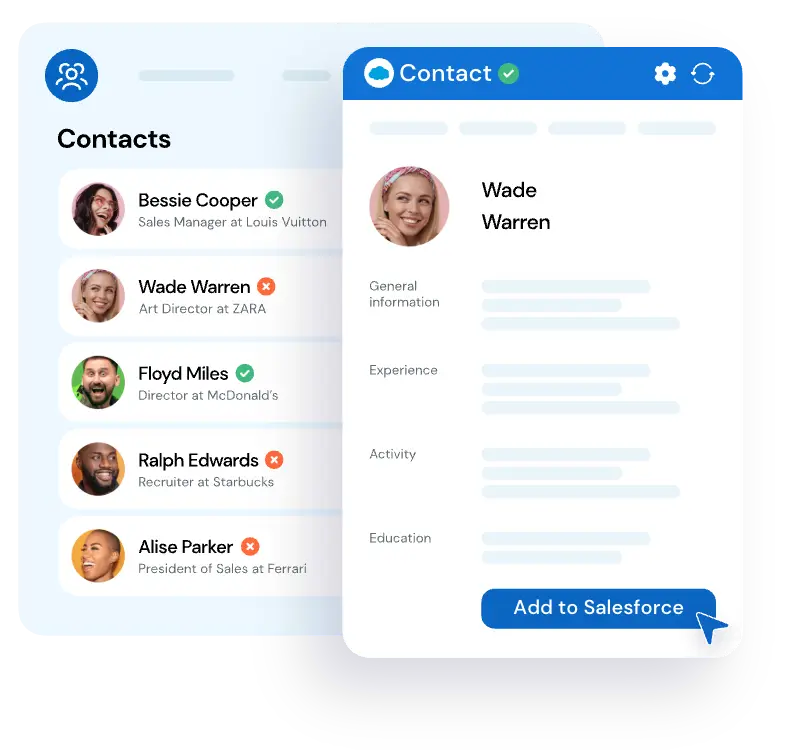
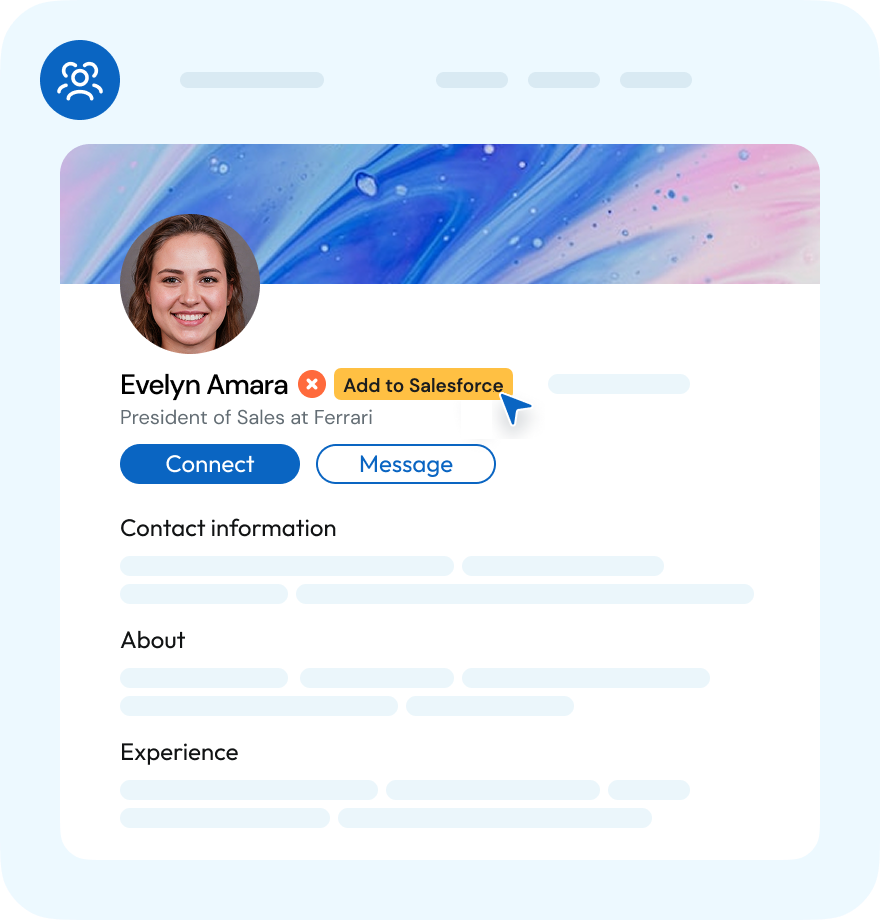
LinkMatch for Salesforce is in the works. Keep Salesforce updated while browsing LinkedIn: see who is already in your CRM, save leads and contacts in one click, and log conversations automatically. No copy-paste required.
Works right on LinkedIn® and XING profile pages.
Launching soon we will send one email when it is live
crm crm crm crm crm crm crm crm crm crm crm crm

Connect Salesforce to LinkedIn in 3 steps

easy1

Install LinkMatch from the Chrome Web Store

Step 1
easy1

Log in
with your Salesforce account

Step 2
easy1

Start saving and updating records in Salesforce while you browse

Step 3

What LinkMatch will do inside Salesforce

Matching

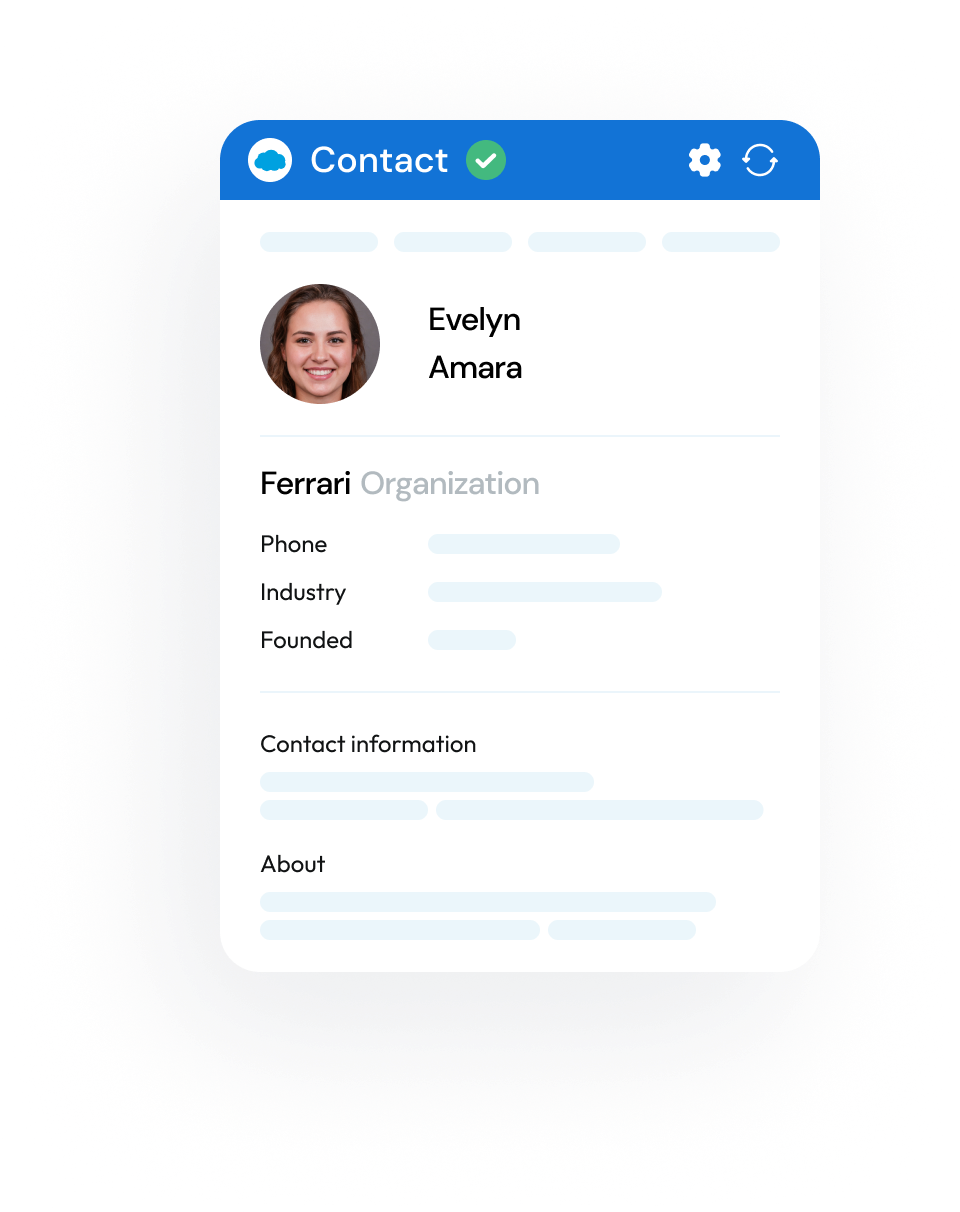
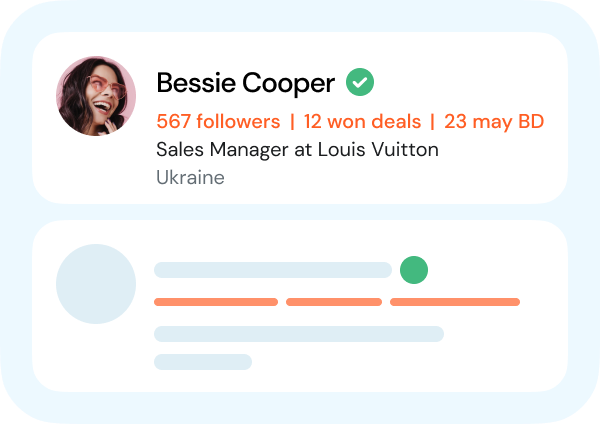
  • Instantly see which leads and contacts are already in Salesforce
  • View and edit records directly, including Tasks, Events, and Opportunities
  • Personalize your view by hiding or reordering fields
  • Tag profiles and companies with your own labels and notes, right on LinkedIn NEW
lay1
lay2
lay3
lay1
lay2

Saving

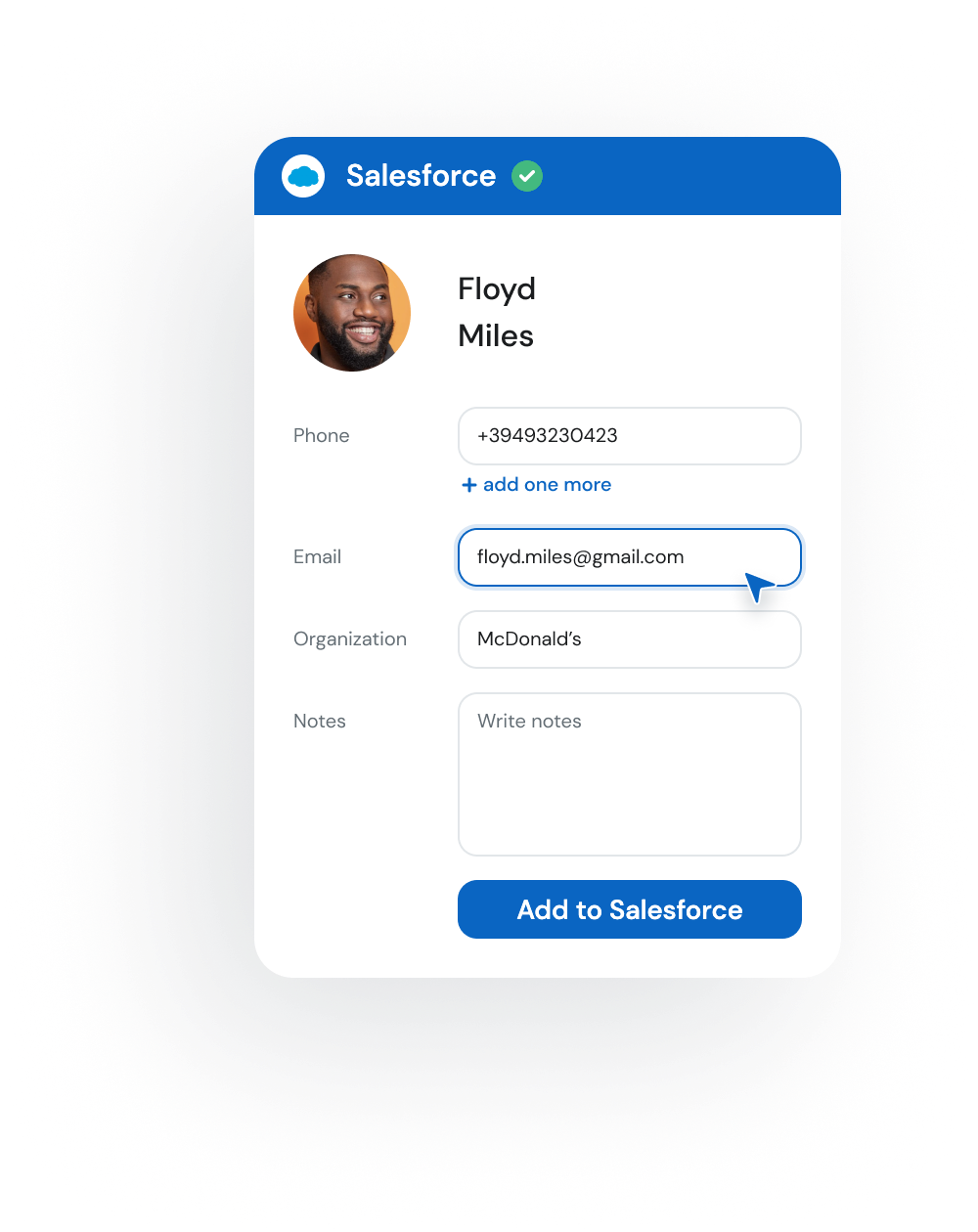
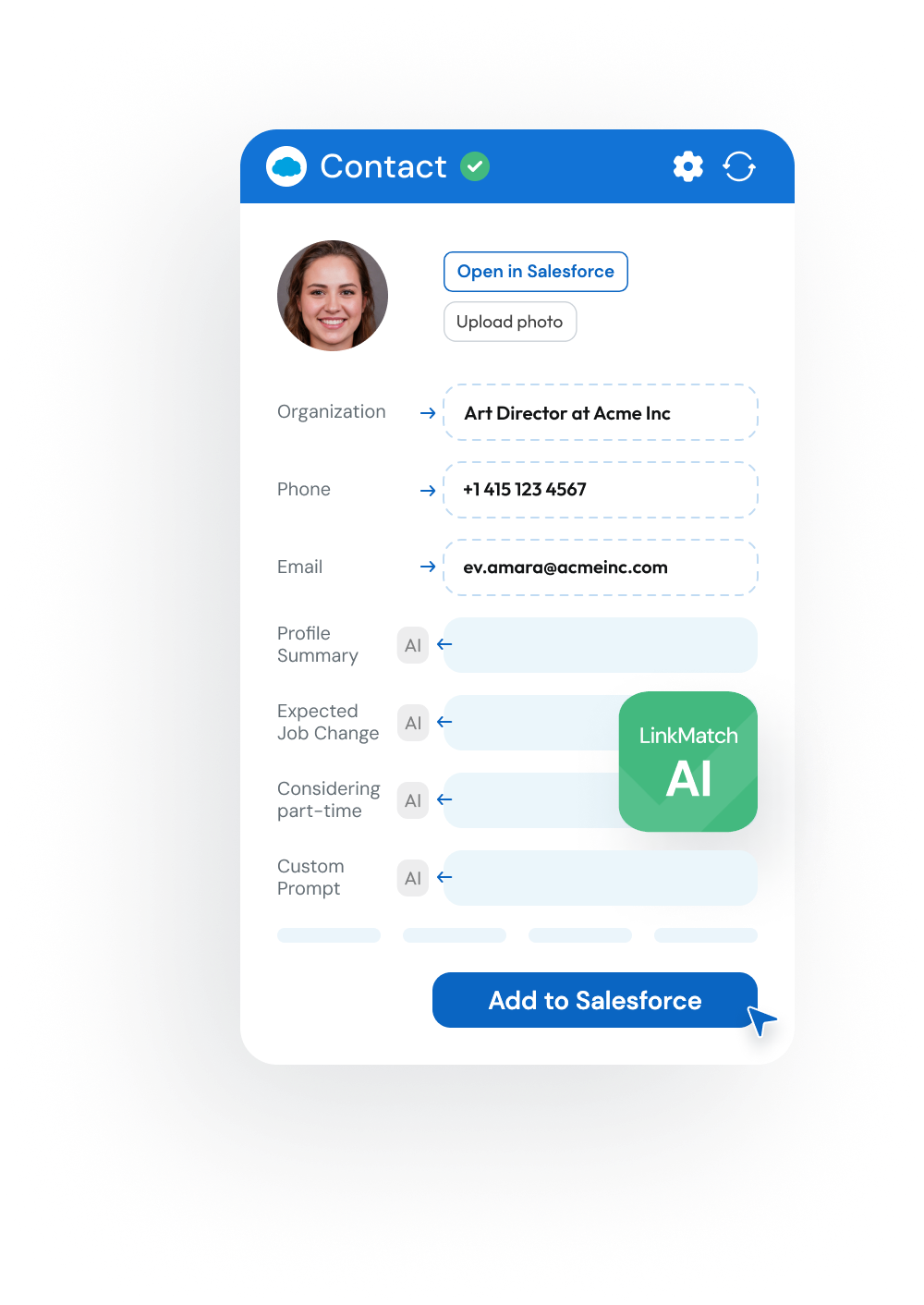
  • Save leads and contacts to Salesforce in one click
  • Decide which information to keep and how it’s stored
  • Log conversations automatically as Notes in Salesforce
Notify me at launch

Sync

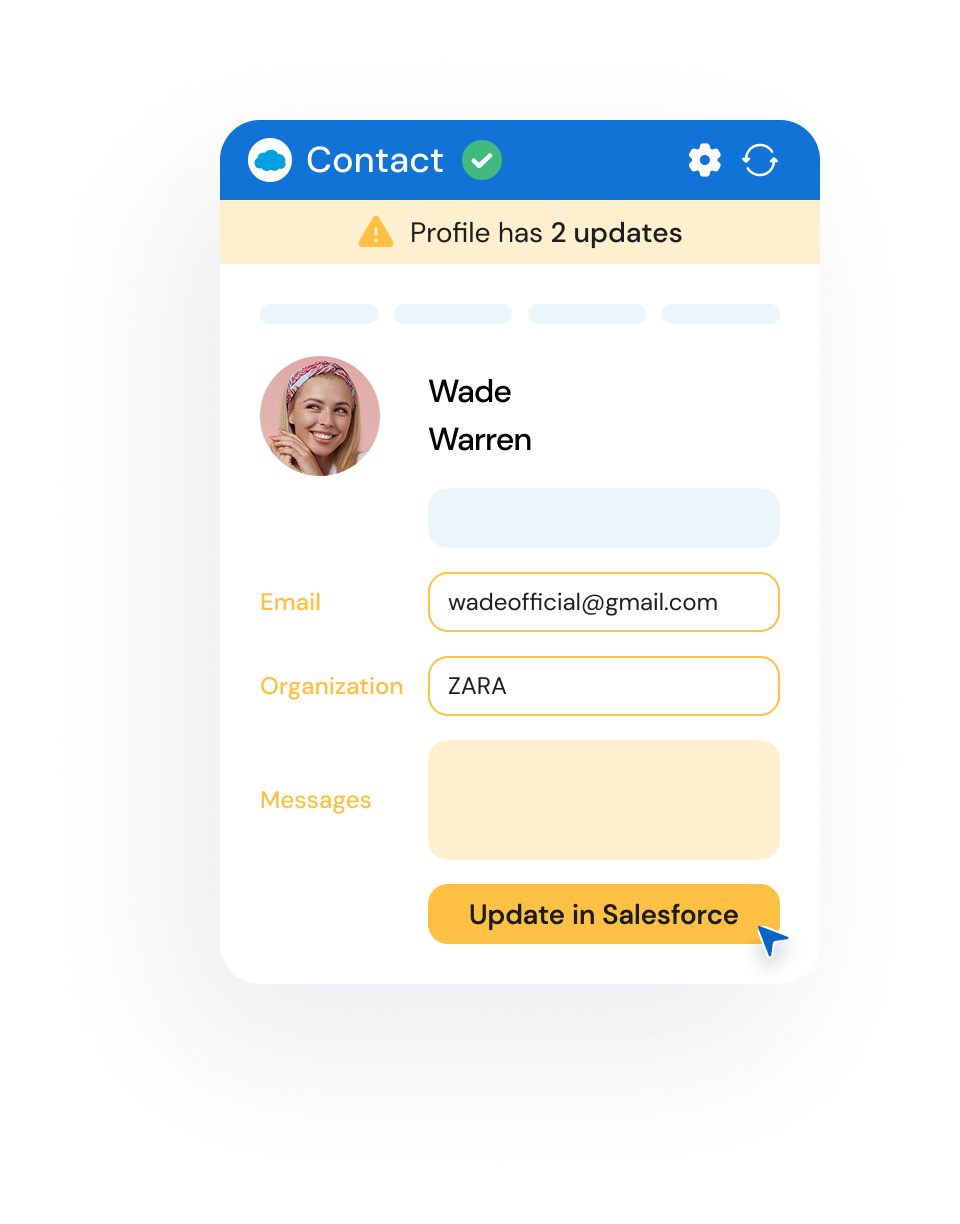
  • Get alerts when profiles change and update Salesforce instantly
  • Auto-create Events and Tasks with pre-filled details
  • Sync conversations so your CRM is always up to date
Notify me at launch
lay1
lay2
lay1
lay2

AI Insights

  • Spot decision-makers and top prospects at a glance
  • Get outreach tips tailored to each contact’s communication style
  • See instant summaries and use prompts for deal-specific insights
Notify me at launch
... and even more
img1

On the Fly Profile

We display up to three fields of additional info without opening the profile page
img1

Customer dashboard

Manage your team, subscriptions, settings and analytics in one place.
img1

Extra contact details

Surface helpful profile insights like birthdays or activity stats to personalize your outreach.

How many new deals can you get
by using LinkMatch
for Salesforce?

1 month
duration in months
1
24
5 seats
number of seats
5
30
60
new
closed
deals
Notify me at launch
2 hours per day x 10+ leads per hour x 10% conversion rate x 1 months x 5 seats

Plans for integration with Salesforce

Pricing will be announced at launch. Like our other integrations, expect simple per-user plans and a free trial to start.
Coming soon
LinkMatch for Salesforce
We are building the Salesforce integration right now. Want to be among the first to try it, or talk through a plan for your team? Let us know and we will get back to you.

Do you have a business using a different CRM?

We work with other popular services
crm crm crm crm crm crm crm crm crm crm crm crm

Don't see your CRM in the list?
Let us know at [email protected]

Salesforce integration FAQ

When will the Salesforce integration be available?

We are building it now and will announce the launch date as soon as it is fixed. Click "Notify me at launch", leave your email, and we will send you one message the moment LinkMatch for Salesforce goes live. Prefer to talk first, or want to be among the first to try it? Write to [email protected].

How will LinkMatch work with Salesforce while browsing LinkedIn?

The same way it works with our other CRMs. LinkMatch adds color-coded match indicators to profile pages, search results and messaging threads, so you can see at a glance who is already in Salesforce. From there you open the full record, update it, or save a new lead or contact in one click, without leaving the page you are on.

How does LinkMatch prevent duplicate records?

LinkMatch checks the normalized profile URL against your existing records before anything is saved. If the person is already in Salesforce you see their record instead of creating a second one, and if their job title or company has changed you can update the record in one click.

Which CRMs does LinkMatch support today?

HubSpot, Pipedrive, Zoho CRM, Zoho Recruit, Bigin, Copper, Close, Insightly, CATS, PCRecruiter and Greenhouse, plus export to CSV and Excel. Salesforce is next. Every integration works the same way: see who is already in your CRM, save and update records in one click, right on the profile page.

Is my LinkedIn account safe when using LinkMatch?

Yes. LinkMatch is an interactive productivity extension trusted by over 12,000 professionals and revenue teams. Unlike automated scraping bots or cloud sequence senders, LinkMatch performs actions only when you interact with the page, strictly respecting LinkedIn usage limits and keeping your account secure.
ph1
Alison Parker
done done
Developer at Apple
ph5
Peter Black
done done
HR Director

Be the first
to try LinkMatch
for Salesforce