























Greenhouse integration for LinkedIn: faster candidate sourcing

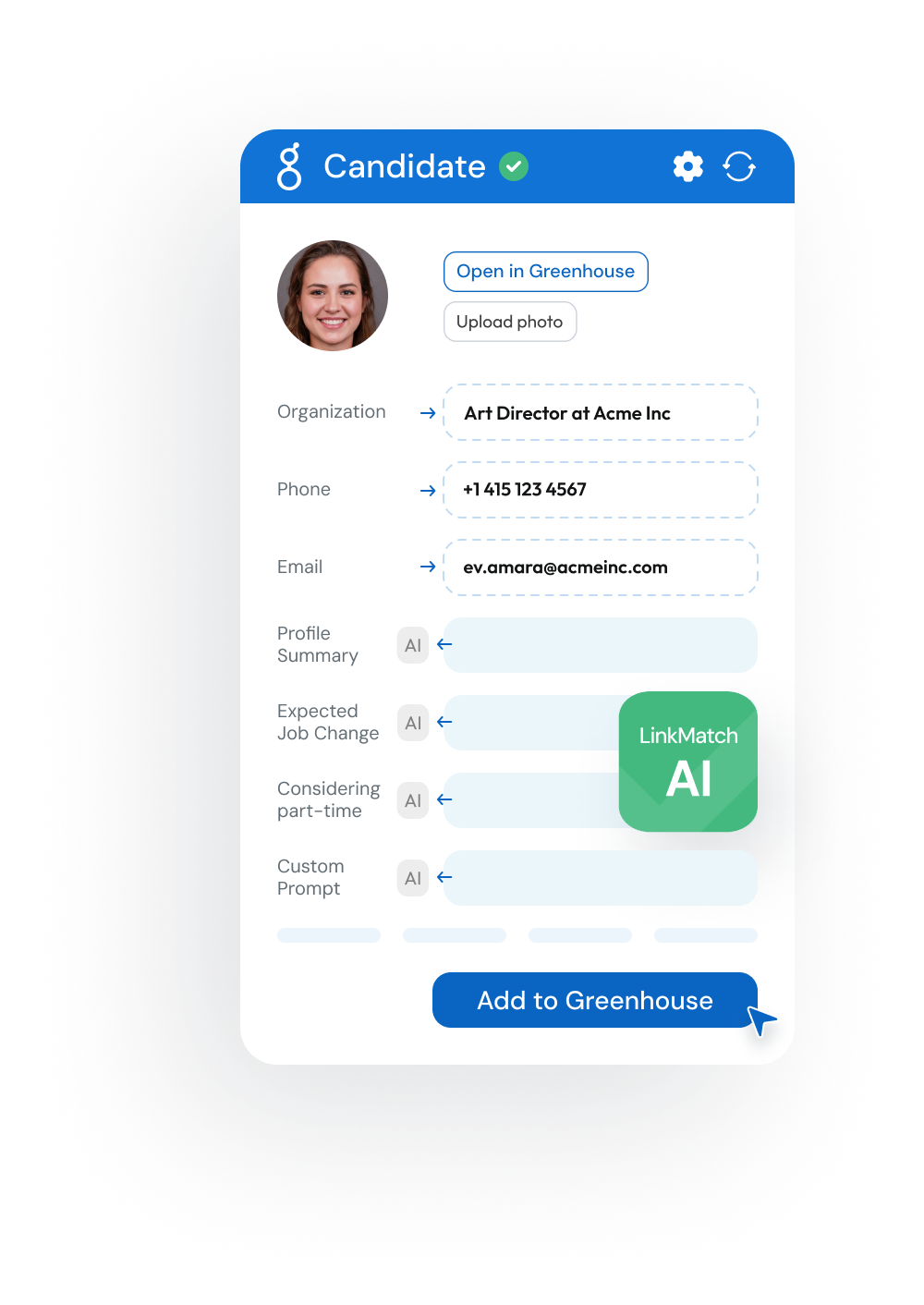
Keep Greenhouse updated while you source on LinkedIn. Instantly match, save, and edit candidate and prospect records: no copy-paste.
Works right on LinkedIn® and XING profile pages.
Now with AI Insights!
It’s free to start and it takes 20 sec
5.0 on the Chrome Web Store  ·  100+ recruiters  ·  Sync candidates in 1 click
image
crm crm crm crm crm crm crm crm crm crm crm crm

Connect Greenhouse to LinkedIn in 3 steps

easy1

Install LinkMatch from Chrome Web Store

Step 1
easy1

Login
with your
Greenhouse email

Step 2
easy1

Start saving and updating records in Greenhouse while you browse

Step 3

What LinkMatch does inside Greenhouse

Matching

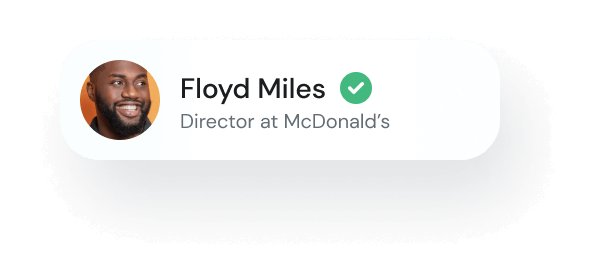
  • Instantly see who’s already in Greenhouse (candidates vs. prospects)
  • Clear labels prevent mix‑ups while you prospect
  • Tag profiles and companies with your own labels and notes, right on LinkedIn NEW
lay1
lay2
lay3
lay1
lay2

Saving

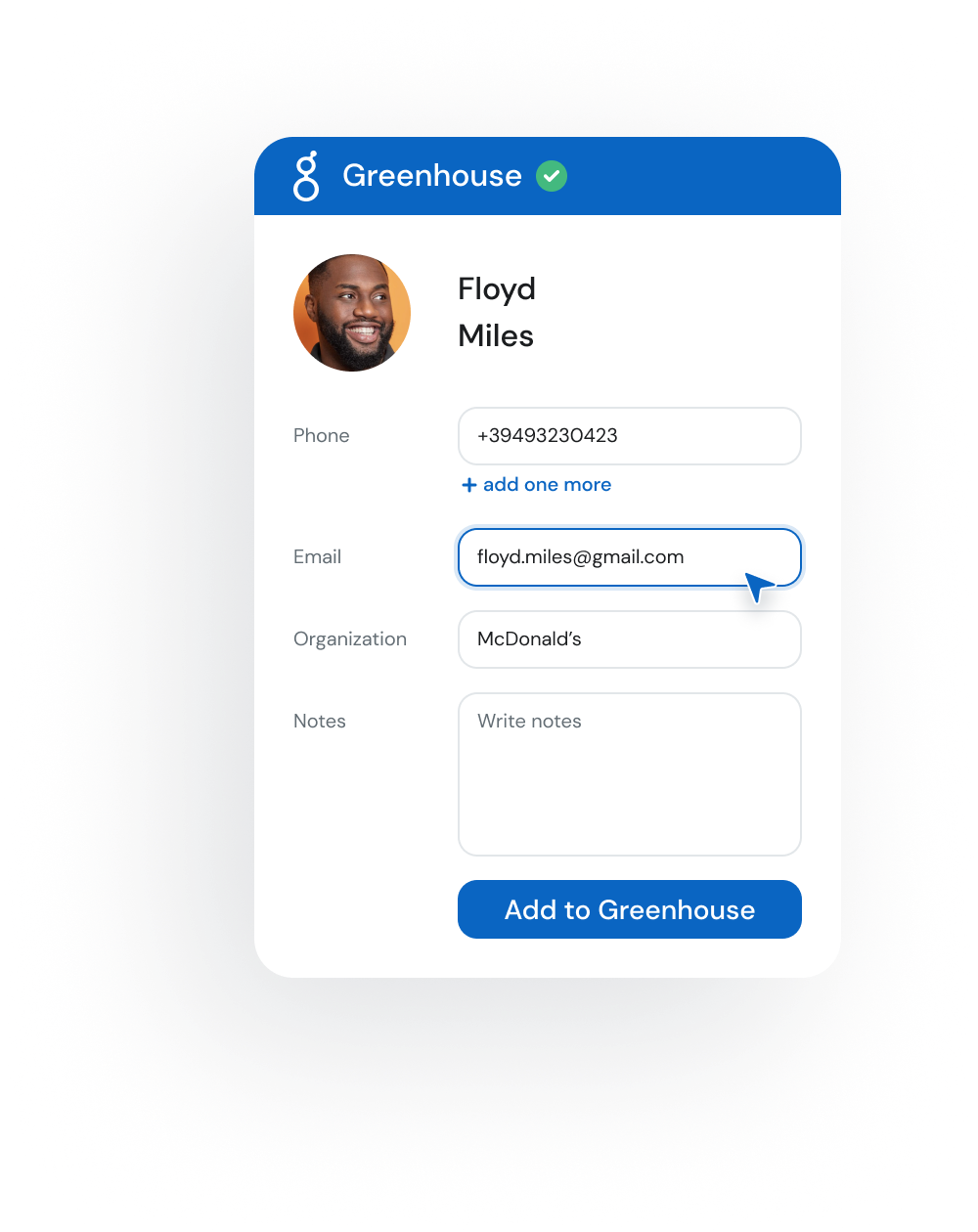
  • Save new profiles to Greenhouse in one click
  • Decide which fields to keep and how they map (custom fields supported)
  • Preconfigure default field values for faster saving
chr Start saving to your Greenhouse

Sync

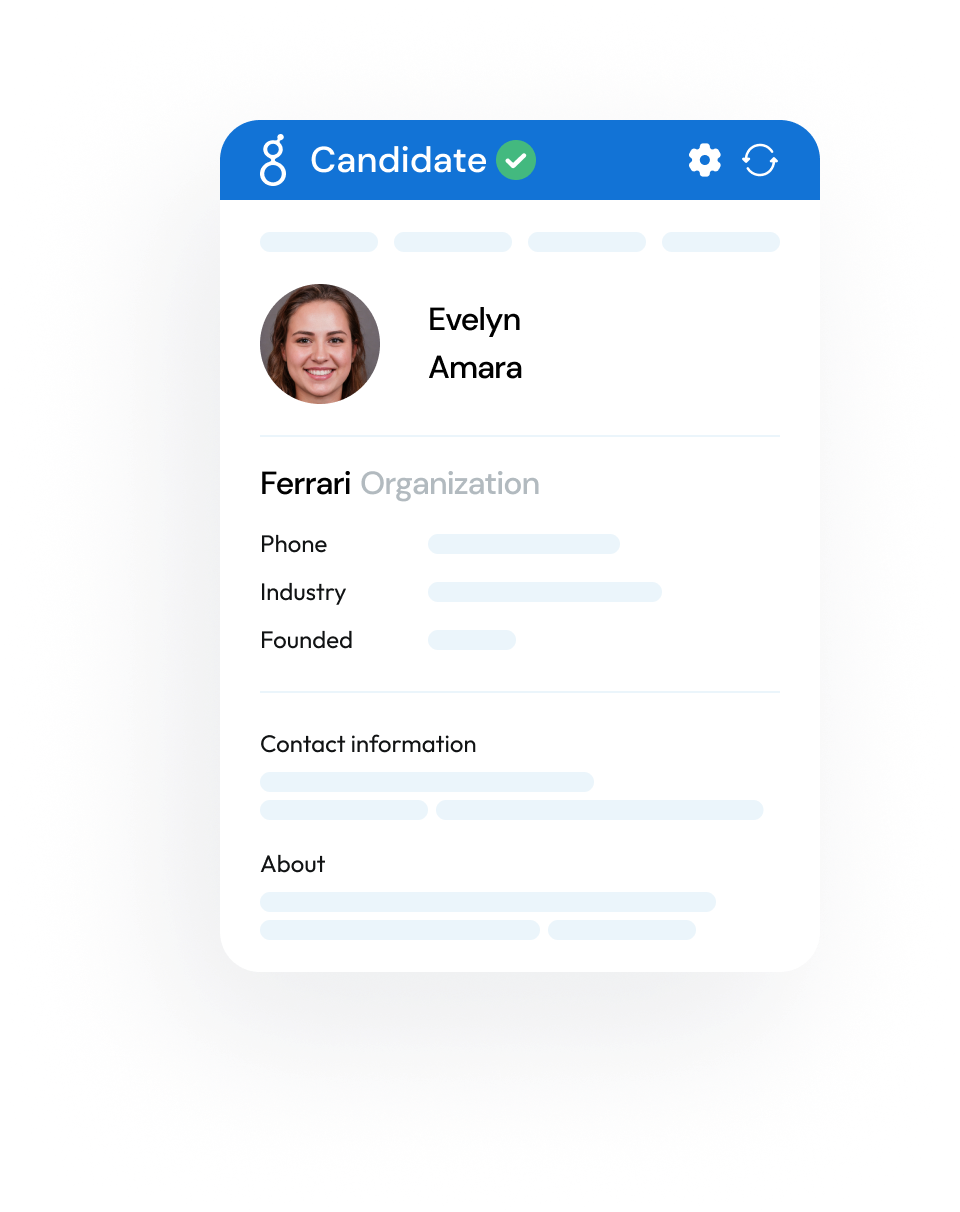
  • View and edit Greenhouse records directly from your browser
  • Personalize the in‑browser view to focus on the fields that matter
chr Start automation
lay1
lay2
lay1
lay2

AI Insights

  • Spot openness signals to prioritize outreach
  • See indicators for full‑time vs. contract interest to tailor engagement
  • Get quick summaries and run custom prompts for role‑specific insights
chr Start using AI to boost efficiency
... and even more
img1

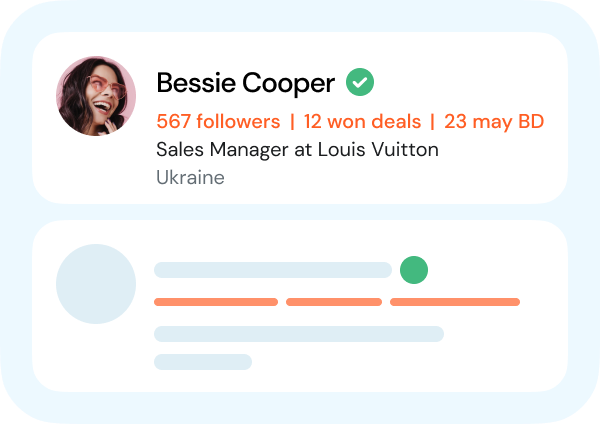
On the Fly Profile

We display up to three fields of additional info without opening the profile page
img1

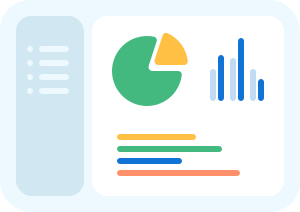
Customer dashboard

Manage your team, subscriptions, settings and analytics in one place.
img1

Extra contact details

Surface helpful profile insights like birthdays or activity stats to personalize your outreach

How much time can your team save
by using LinkMatch
and the Greenhouse integration?

1 month
duration in months
1
24
5 seats
number of seats
5
30
900
hours
saved
Start saving time now!
2 hours per day x 10+ profiles per hour x 2 min saved per profile x 1 months x 5 seats

LinkMatch for Greenhouse pricing

Accounts with 20+ paid users are eligible for a free 45 min onboarding call.
Reach out to us to book one.
Monthly
Quarterly
Annually SAVE 25%

Standard Plan

€ 50 user/month
30 day free trial. Discounts for 3+ users
Features
  • Instantly see which profiles are already in your Greenhouse.
  • Add new profiles to Greenhouse in one click
  • Works seamlessly with both Candidates and Prospects
  • Support of Greenhouse custom fields
  • Compatible with premium sales & recruiting platforms
  • AI-driven profile insights and custom prompts
  • Tag LinkedIn profiles and companies right on the page: no CRM record needed NEW

Standard Plan

€ 50 user/month
30 day free trial. Discounts for 3+ users
Features
  • Instantly see which profiles are already in your Greenhouse.
  • Add new profiles to Greenhouse in one click
  • Works seamlessly with both Candidates and Prospects
  • Support of Greenhouse custom fields
  • Compatible with premium sales & recruiting platforms
  • AI-driven profile insights and custom prompts
  • Tag LinkedIn profiles and companies right on the page: no CRM record needed NEW

Standard Plan

€ 37.5 user/month
30 day free trial. Discounts for 3+ users
Features
  • Instantly see which profiles are already in your Greenhouse.
  • Add new profiles to Greenhouse in one click
  • Works seamlessly with both Candidates and Prospects
  • Support of Greenhouse custom fields
  • Compatible with premium sales & recruiting platforms
  • AI-driven profile insights and custom prompts
  • Tag LinkedIn profiles and companies right on the page: no CRM record needed NEW
check Free 30 day trial, no credit card required
check Cancel anytime
check Instant sign-up (less than 20 seconds)

Supported CRMs

crm crm crm crm crm crm crm crm crm crm crm crm

Don't see your CRM in the list?
Let us know at [email protected]

How LinkMatch compares for Greenhouse ATS

Feature / Capability LinkMatch for Greenhouse Manual Copy-Paste LinkedIn Recruiter RSC Zapier / Webhooks
Live match badges while browsing ✓ YesLive overlay with color-coded status ✕ NoMust check ATS in another tab ⚠ LimitedIn-app only on Recruiter Corporate ✕ NoForm triggers only
1-Click Candidate & Prospect creation ✓ YesDirect Job Opening & stage presets ✕ No4 to 8 mins manual data entry per profile ⚠ LimitedExport to ATS button (basic mapping) ✕ NoRequires complex multi-step webhooks
Automatic PDF resume attachment ✓ YesGenerated & attached automatically ✕ NoManual download and re-upload required ✓ YesProfile export included ✕ NoCannot attach PDF resumes
Deterministic duplicate prevention ✓ YesMatches by normalized profile URL ✕ NoHigh duplicate risk on common names ✓ YesMatches by LinkedIn member ID ✕ NoNo native deduplication
Works on Standard, Lite & Recruiter ✓ YesFull support across all LinkedIn accounts ⚠ ManualWorks anywhere, but completely manual ⚠ LimitedRecruiter Corporate only (no standard/Lite) ✕ NoNo browsing support
Cost & Contract Commitment ✓ SimpleFlat transparent pricing: cancel anytime ✕ Costly10 to 15 hours wasted per recruiter/week ✕ 5-FigureHigh-tier Greenhouse + Recruiter contract ⚠ Add-onPer-task Zapier tier costs

Greenhouse integration FAQ

How does LinkMatch work with Greenhouse while browsing LinkedIn?

LinkMatch adds color-coded match indicators directly onto candidate profiles, search results, and messaging threads across standard LinkedIn, LinkedIn Recruiter (Corporate and Lite), Sales Navigator, and XING. A green checkmark indicates the candidate or prospect already exists in Greenhouse, allowing you to view and edit their full application history right from your browser. A red cross indicates they are not yet in Greenhouse, and one click adds them as a Candidate or Prospect without tab-switching.

What is the difference between saving as a Candidate versus a Prospect in Greenhouse?

LinkMatch gives recruiters the flexibility to choose either record type. When saving as a Candidate, you associate the person directly with an active Job Opening, selecting the department, office, and initial hiring stage (such as Application Review or Sourced). When saving as a Prospect, the profile is added to your talent pool or prospect department for future hiring needs.

Can LinkMatch automatically attach candidate resumes and LinkedIn profile PDFs to Greenhouse?

Yes. When you save a candidate from LinkedIn, LinkMatch can automatically generate and attach a formatted PDF of their full LinkedIn profile directly into the attachments section of their Greenhouse record, providing hiring managers with complete work history, skills, and recommendations.

Does LinkMatch support custom fields, departments, and offices configured in Greenhouse?

Yes. LinkMatch dynamically syncs with your Greenhouse account and supports all standard candidate fields as well as custom candidate fields, custom job fields, offices, and departments. You can set default values to accelerate high-volume sourcing.

How does LinkMatch work with LinkedIn Recruiter (Corporate & Lite)?

LinkMatch integrates directly with LinkedIn Recruiter Corporate and LinkedIn Recruiter Lite, as well as standard LinkedIn. Recruiters can view Greenhouse candidate records and pipeline stages directly within Recruiter search results, project talent pools, and candidate profile views.

Can I automatically log LinkedIn InMails and messages into Greenhouse?

Yes. LinkedIn messaging conversations and InMails can be synced directly into the Greenhouse Candidate Activity feed, ensuring your entire hiring team has visibility into candidate outreach history and touchpoints.

How does LinkMatch prevent duplicate candidate profiles in Greenhouse?

LinkMatch uses deterministic profile URL matching by checking normalized LinkedIn profile URLs against existing Greenhouse records. If an existing candidate has updated their headline or current employer on LinkedIn, LinkMatch displays their existing record and allows you to update their details in one click instead of creating an accidental duplicate.

Does LinkMatch provide verified email enrichment for candidates?

Yes. LinkMatch includes verified personal and business email enrichment during candidate sourcing. Recruiters can uncover direct contact information to supplement LinkedIn InMail outreach and reach passive candidates directly.

How does bulk candidate sourcing work with Greenhouse?

Recruiters can save multiple candidates simultaneously from LinkedIn search results, Recruiter project pipelines, or talent pools directly into Greenhouse. LinkMatch associates them with the appropriate job opening and stage in one streamlined batch.

How does LinkMatch compare to LinkedIn Recruiter System Connect (RSC)?

While LinkedIn RSC requires expensive enterprise contracts with both LinkedIn Recruiter and Greenhouse, LinkMatch provides immediate, lightweight candidate syncing across all LinkedIn accounts (including standard LinkedIn and Recruiter Lite) at a fraction of the cost, without complex IT configuration.

How do I connect LinkMatch to my Greenhouse account?

Setup takes less than two minutes. Install the LinkMatch Chrome extension from the Chrome Web Store, input your Greenhouse Harvest API key with the required candidate permissions, and begin sourcing immediately.

Is my LinkedIn account safe when using LinkMatch?

Yes. LinkMatch is an interactive productivity extension trusted by talent acquisition teams at fast-growing companies and recruitment agencies. Unlike automated scraping bots or bulk profile extractors, LinkMatch operates on-demand as you interact with the page, fully respecting LinkedIn usage limits and keeping your account secure.
ph1
Alison Parker
done done
Developer at Apple
ph5
Peter Black
done done
HR Director

Ready to enjoy
the ultimate
Greenhouse
integration?