


















PCRecruiter LinkedIn integration: faster candidate sourcing

Keep PCRecruiter updated while you source on LinkedIn. Instantly match, save, and edit candidate and contact records: no copy-paste.
Works right on LinkedIn® and XING profile pages.
It’s free to start and it takes 20 sec
crm crm crm crm crm crm crm crm crm crm crm crm

Connect PCRecruiter to LinkedIn in 3 steps

easy1

Install LinkMatch from Chrome Web Store

Step 1
easy1

Login
with your
PCRecruiter email

Step 2
easy1

Start saving and updating records in PCRecruiter while you browse

Step 3

What LinkMatch does inside PCRecruiter

Matching

  • Instantly see who’s already in PCRecruiter (candidates vs. contacts)
  • Clear labels prevent mix‑ups while you prospect
lay1
lay2
lay3
lay1
lay2

Sync

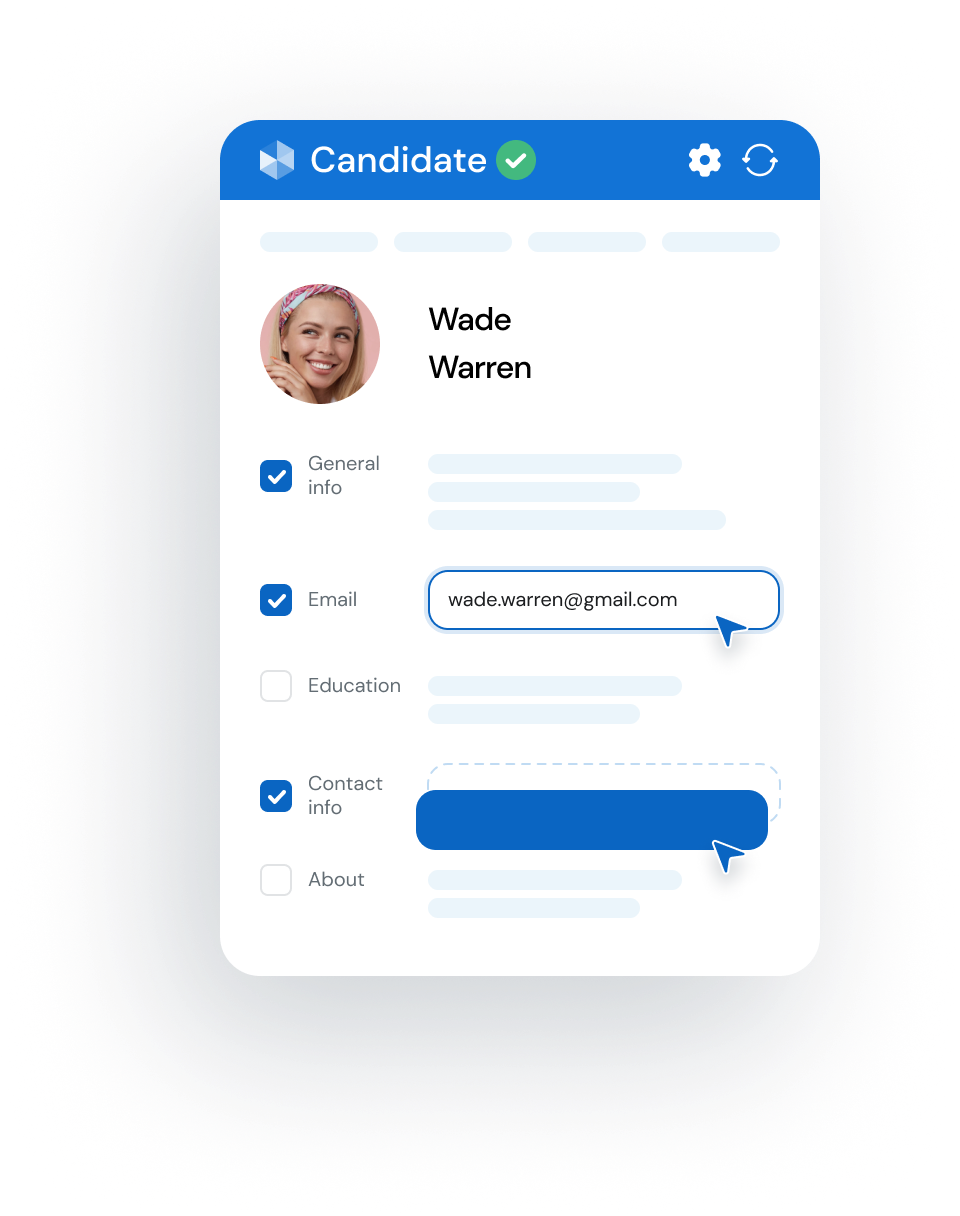
  • View and edit PCRecruiter records directly from your browser
  • Personalize the in‑browser view to focus on the fields that matter
chr Start saving to your PCRecruiter
... and even more
img1

On the Fly Profile

We display up to three fields of additional info without opening the profile page
img1

Customer dashboard

Manage your team, subscriptions, settings and analytics in one place.
img1

Extra contact details

Surface helpful profile insights like birthdays or activity stats to personalize your outreach

How much time can your team save
by using LinkMatch
for your PCRecruiter integration?

1 month
duration in months
1
24
5 seats
number of seats
5
30
900
hours
saved
Start saving time now!
2 hours per day x 10+ profiles per hour x 2 min saved per profile x 1 months x 5 seats

LinkMatch for PCRecruiter pricing

Accounts with 20+ paid users are eligible for a free 45 min onboarding call.
Reach out to us to book one.
Monthly
Quarterly
Annually SAVE 5%

Standard Plan

€ 5.99 user/month
14 day free trial
Features
  • Instantly see which profiles are already in your PCRecruiter
  • View and edit candidate records directly from your browser
  • Use your PCRecruiter custom fields
  • Customize your view to focus only on the details that matter
  • Full support for premium platforms

Standard Plan

€ 5.99 user/month
14 day free trial
Features
  • Instantly see which profiles are already in your PCRecruiter
  • View and edit candidate records directly from your browser
  • Use your PCRecruiter custom fields
  • Customize your view to focus only on the details that matter
  • Full support for premium platforms

Standard Plan

€ 5.69 user/month
14 day free trial
Features
  • Instantly see which profiles are already in your PCRecruiter
  • View and edit candidate records directly from your browser
  • Use your PCRecruiter custom fields
  • Customize your view to focus only on the details that matter
  • Full support for premium platforms
check Free 14 day trial, no credit card required
check Cancel anytime
check Instant sign-up (less than 20 seconds)

Supported CRMs

crm crm crm crm crm crm crm crm crm crm crm crm

Don't see your CRM in the list?
Let us know at [email protected]

PCRecruiter LinkedIn integration FAQ

How does LinkMatch work with PCRecruiter while browsing LinkedIn?

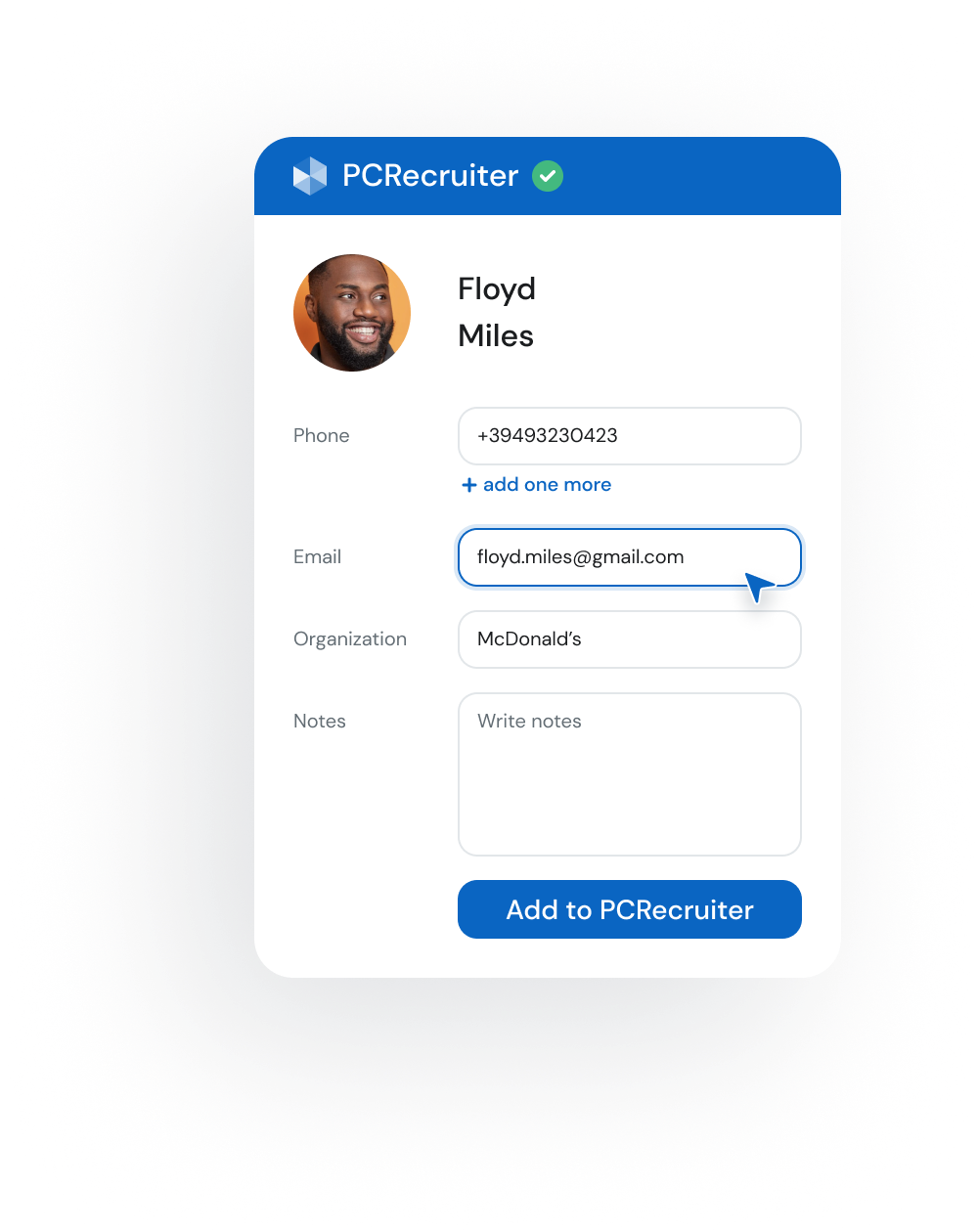
LinkMatch adds color-coded status indicators directly onto candidate profiles, search results, and messaging threads across standard LinkedIn, LinkedIn Recruiter (Corporate and Lite), and Sales Navigator. A green checkmark indicates the candidate already exists in PCRecruiter, letting you view their record and position history in one click. If unmatched, an Add to PCRecruiter button lets you save them as a candidate without tab-switching.

Does LinkMatch support LinkedIn Recruiter and Recruiter Lite with PCRecruiter?

Yes. LinkMatch works seamlessly across LinkedIn Recruiter Corporate, Recruiter Lite, and standard LinkedIn. Talent sourcers and agency recruiters can view PCRecruiter candidate records, review notes, and add talent directly from Recruiter search results and project pipelines.

Is LinkMatch an official PCRecruiter integration partner?

Yes. LinkMatch is an official, certified PCRecruiter partner. The integration uses PCRecruiter REST API protocols to ensure rapid, secure, and accurate two-way synchronization between LinkedIn and your PCRecruiter database.

How does LinkMatch prevent duplicate candidate profiles in PCRecruiter?

LinkMatch performs real-time deterministic profile matching using normalized LinkedIn profile URLs, candidate emails, and full names. If a candidate already exists in your PCRecruiter database, LinkMatch displays their existing record and allows you to update their details rather than creating an accidental duplicate.

Can LinkMatch automatically attach candidate resumes and profile PDFs to PCRecruiter?

Yes. When saving a candidate from LinkedIn, LinkMatch can automatically generate a formatted PDF of their complete LinkedIn profile and attach it directly into the candidate attachments section in PCRecruiter, preserving work history, skills, and endorsements.

Does LinkMatch support custom fields and roll sequences configured in PCRecruiter?

Yes. LinkMatch dynamically syncs with your PCRecruiter custom schema, supporting standard candidate fields, custom text fields, dropdowns, and status tags so your team never loses critical sourcing criteria.

Can I add candidates directly to PCRecruiter Roll Lists and job pipelines?

Yes. While browsing LinkedIn profiles or search results, recruiters can add candidate profiles directly onto specific PCRecruiter Roll Lists and assign them to active job positions in a single click.

Can I log LinkedIn InMails and messages into PCRecruiter activity logs?

Yes. LinkMatch syncs LinkedIn messages and InMails directly into the candidate activity log in PCRecruiter, ensuring your entire recruitment team has full visibility into outreach history and touchpoints.

Does LinkMatch provide verified email and phone enrichment for candidates?

Yes. LinkMatch includes verified personal and business email enrichment alongside direct phone number lookup during candidate sourcing, enabling recruiters to reach passive candidates via multiple channels.

How does bulk candidate sourcing work with PCRecruiter?

Recruiters can select multiple candidates from LinkedIn search results or Recruiter talent pools and sync them into PCRecruiter simultaneously, associating them with the desired Roll List in one streamlined batch.

How do I connect LinkMatch to my PCRecruiter account?

Setup takes under two minutes. Install the LinkMatch Chrome extension from the Chrome Web Store, enter your PCRecruiter database credentials and API key in the extension options, and start sourcing candidates immediately.

Is my LinkedIn account safe when using LinkMatch with PCRecruiter?

Yes. LinkMatch is an interactive productivity extension designed to streamline manual recruiter workflows. Unlike automated scraping bots, LinkMatch operates on-demand as you browse, strictly respecting LinkedIn usage limits to ensure complete account safety.
ph1
Alison Parker
done done
Developer at Apple
ph5
Peter Black
done done
HR Director

Ready to enjoy
the ultimate
PCRecruiter
integration?