

Key Insights
- Disconnected software causes tool fatigue: Most tools find prospect info but don’t transfer it, turning reps into data janitors who waste hours manually copy-pasting between tabs.
- The sales last mile breaks CRM intelligence: Incomplete records starve predictive features like lead scoring. To maximize your ai sales stack productivity, data must land in your CRM fully enriched from the start.
- Automated execution saves your workflow: Connecting your discovery platforms directly to your CRM removes the human handoff, instantly syncing contacts and messages in a single click.
Here’s the uncomfortable truth about most AI-powered sales stacks: the tools that were supposed to eliminate busywork have quietly created a new kind of it.
AI finds a prospect. You copy the details into a tab. AI drafts an outreach message. You paste it into a different platform and tweak it manually. AI flags a deal at risk. You open the CRM, hunt for the record, and update it by hand. At every step, there’s a human in the middle — not making decisions, just moving data from one place to another.
That’s the AI Janitor problem. And it’s more widespread than most revenue teams want to admit.
The Productivity Paradox Nobody Talks About
The promise of AI in sales was simple: less manual work, more selling. The reality has turned out to be more complicated.
88% of companies now use AI in at least one business function, yet 95% have seen no measurable return on investment, according to McKinsey’s 2025 research. The same report found that 77% of employees think AI has actually hurt their productivity — not helped it. And workers lose an average of 51 minutes weekly just to “tool fatigue,” switching between applications as many as 100 times a day.
For sales teams specifically, the numbers aren’t much better. 66% of sales reps feel completely overwhelmed by their technology stack rather than empowered by it, and 94% of sales organizations are planning to consolidate their tools as a result.
None of this means AI doesn’t work. 83% of sales teams using AI saw revenue growth, compared to just 66% of teams without it — the gap is real. The problem isn’t the AI. It’s the last mile: the gap between what the AI surfaces and what actually ends up in the CRM, clean and actionable.
What the “Last Mile” Looks Like in Practice
The last mile is the final leg of any delivery — the part that’s often the most expensive and most likely to fail. In logistics, it’s getting a package from a regional hub to a front door. In sales, it’s getting data from wherever it was discovered to wherever it needs to live.
Here’s what it typically looks like for an SDR or BDR:
- You use a prospecting tool or browse your professional networking platform to find a relevant contact
- The AI or the platform surfaces useful information about that person — job title, company size, recent activity, mutual connections
- You manually copy some of that information into your CRM
- Some fields get filled. Others get skipped because you’re in a hurry or because it’s not clear where they should go
- The email isn’t there. You run a separate lookup, copy it over
- You make a note to sync the message thread later. You probably don’t
- The AI features in your CRM — the ones that are supposed to score leads and recommend next actions — are now working with half a record
The data did make it into the CRM. But it made it incomplete, at the cost of several minutes of manual work that broke your flow. Multiply that across a full team and a full week, and the AI stack that was supposed to solve the admin problem has simply shifted it downstream.
Two-thirds of reps already doubt the accuracy of the information in their CRM systems. The last mile problem is why.
A quick note: We’ve partnered with Pipedrive to get you 20% off for a full year.
If you’ve been thinking about making the switch, this is a pretty good time to do it.
Claim the offer
AI That Assists vs. AI That Executes
Most AI tools marketed to sales teams are assistants — they make prospecting faster, draft outreach more quickly, and summarize call transcripts. Useful, but they all end the same way: handing output to a human to move somewhere. The rep becomes the connector between what the AI found and where it needs to go.
That handoff is the problem. The last mile requires execution at the point of discovery — data moving from source to CRM the moment it’s encountered, with no one in the middle.
That’s what LinkMatch does. When you visit a profile, it matches against your existing Pipedrive records, imports new contacts with full field mapping, flags profile changes on contacts you’ve already logged, and finds verified email addresses where none were listed — all without you switching tabs or touching a field. The rep keeps moving. The CRM stays current.
No copy-paste. No import wizard. No handoff.
Your AI Features Are Only as Smart as Your Data
Between 2024 and 2025, data quality jumped from the 19th to the 44th percentile as the number one AI obstacle, according to BARC’s survey of 421 organizations. That’s not a coincidence — the more sales teams rely on AI to make decisions, the more those decisions depend on what’s actually in the CRM.
Take Pipedrive’s Pulse. It tracks engagement signals across your pipeline, scores leads based on behavior, and surfaces who to prioritize. But Pulse scores what it can see. A contact imported with a missing email, a stale job title, and no logged activity is invisible to the scoring model — the feature is live, but it’s working with nothing.
The AI Sales Assistant has the same dependency. It learns from your deal patterns to predict win probability and recommend next actions. Feed it deals built on half-filled records and it learns the wrong things.
The fix isn’t a quarterly data cleanup. It’s making sure clean data enters the CRM from the start — which is exactly what removing the last-mile handoff achieves.
Fixing the Last Mile: What a Clean Workflow Actually Looks Like
The goal is simple: zero manual steps between discovering a contact and that contact existing, accurately, in Pipedrive.
Step 1: Eliminate the import gap
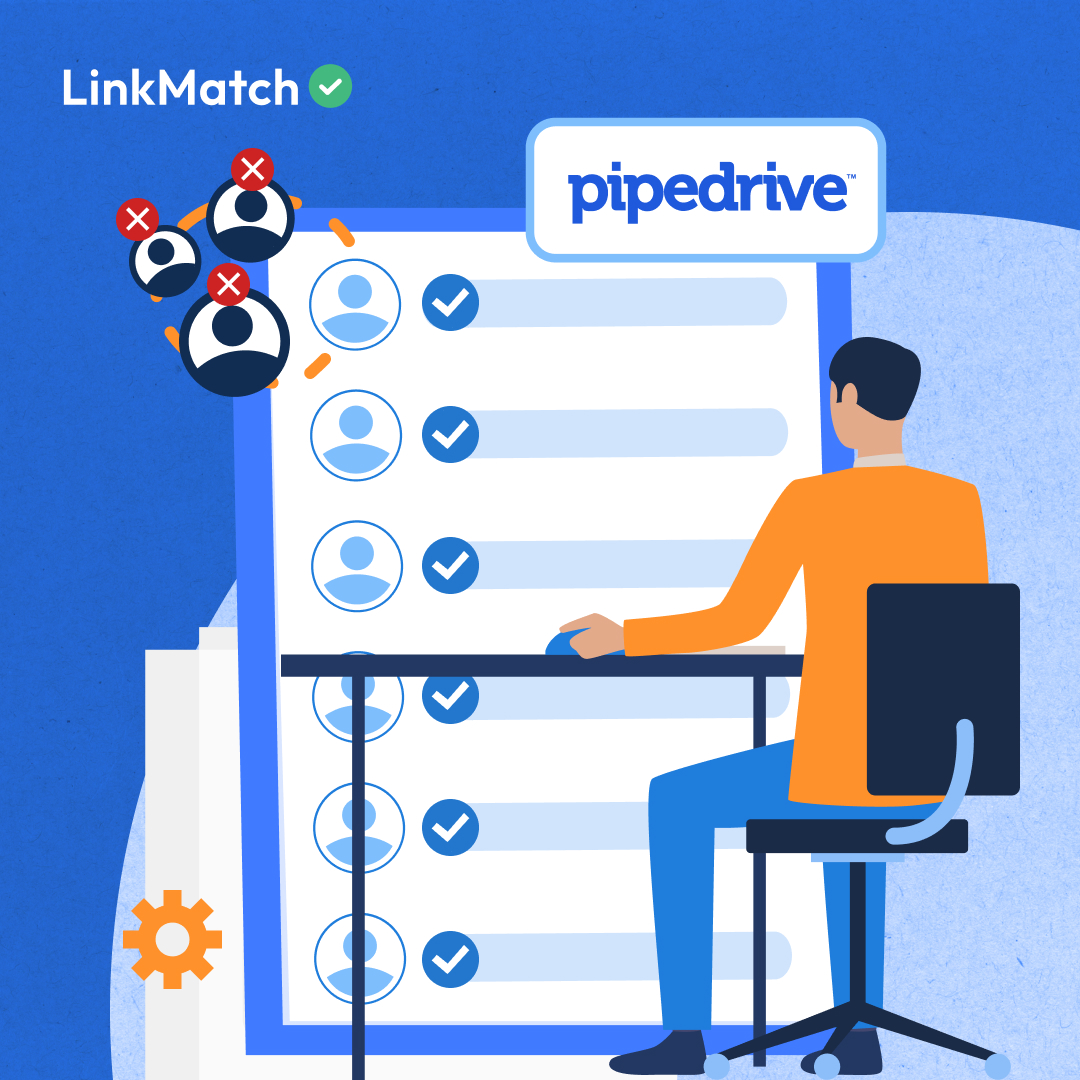
Install LinkMatch and connect it to Pipedrive. From this point on, every profile you visit on your professional networking platform shows a visual indicator — green checkmark if they’re in Pipedrive, red cross if they’re not. One click imports a new contact with full field mapping. No tab switching. No manual entry.
Step 2: Close the email gap
Turn on LinkMatch’s email enrichment so that every imported contact comes with a verified email address automatically added to the right Pipedrive field. The contacts that enter your pipeline are ready to be reached — not parked in a holding state while someone runs a separate lookup.
Step 3: Close the message gap
Enable message synchronization in LinkMatch so that conversations from your professional networking platform are automatically logged to the contact’s timeline in Pipedrive. The context that usually lives in a personal inbox becomes part of the CRM record — visible to the whole team, and available to the AI features that factor communication history into their scoring.
Step 4: Close the update gap
Every time you revisit a contact’s profile, LinkMatch checks for changes and flags what’s different. Job change, new title, updated company — you can apply each update individually without overwriting your existing notes. Your records stay current without a dedicated data cleaning project.
Step 5: Let Pulse work
With complete, current records flowing in from day one, Pipedrive’s Pulse has the data it needs to surface meaningful lead scores. The contacts it flags as high-priority are the ones that actually are — because the underlying data reflects reality.
FAQ about Solving the Sales Last Mile
What exactly is the “last mile” problem in sales?
It’s the gap between where data is discovered — a profile on your professional networking platform, a prospect surfaced by an AI tool, a contact mentioned in a meeting — and where it actually needs to live: your CRM, complete and accurate. Most sales teams bridge this gap manually, which is where the data quality and productivity problems accumulate.
We already use AI tools for prospecting. Why are our reps still doing so much manual work?
Most AI prospecting tools surface information but don’t move it anywhere automatically. The rep still has to take the AI’s output and enter it into the CRM — which reintroduces the manual step the AI was supposed to eliminate. The fix isn’t more AI tools; it’s removing the human handoff between discovery and the system of record.
How does bad CRM data specifically affect Pipedrive’s AI features?
Features like Pulse and the AI Sales Assistant learn from and operate on the data in your CRM records. Incomplete records — missing emails, outdated job titles, no logged activity — either get deprioritized by the scoring model or produce inaccurate recommendations. The AI is only as useful as the data it’s working with.
Is “Zero-Interface” sync realistic, or does it still require manual steps?
For new contacts, it’s one click on the profile — LinkMatch handles field mapping, email enrichment, and duplicate checking automatically. For existing contacts, revisiting their profile triggers an automatic update check. The manual decisions (whether to import, whether to accept an update) remain with the rep; the data movement itself is automated.
Does fixing the last mile require replacing our current AI tools?
Usually not. The last mile problem is typically a workflow gap rather than a tool problem. Adding LinkMatch as a bridge between your professional networking platform and Pipedrive fills that gap without requiring you to change how you prospect or which AI tools you use for discovery.
How long does it take to set this up?
Installing LinkMatch and connecting it to Pipedrive takes a few minutes. Configuring field mapping — which determines where each piece of profile data lands in Pipedrive — is worth spending 15 to 30 minutes on upfront to get right. After that, the workflow is largely automatic.