

Surfe built its name on saving LinkedIn profiles to your CRM while you browse. That product no longer exists in 2026: Surfe doesn’t read LinkedIn profiles anymore and doesn’t sync your LinkedIn messages: you add contacts by hand or pick them from Surfe’s own contact lists. It has become a tool for finding emails and phone numbers. If saving LinkedIn profiles to your CRM is what you signed up for, you’re now paying for a different product than the one you chose. Here’s an honest look at when LinkMatch is the better fit, and when Surfe still is.
Key Takeaways
- Surfe now focuses on finding emails and phone numbers. It no longer reads LinkedIn profiles or syncs LinkedIn messages: you add contacts by hand or from Surfe’s own lists.
- If your priority is a clean CRM: no duplicates, complete records, your LinkedIn conversations saved: a tool built for LinkedIn-to-CRM sync is the direct answer.
- Surfe remains the better pick for Salesforce teams and enrichment-heavy outbound workflows.
- LinkMatch covers CRMs and recruiting ATSs Surfe doesn’t: Zoho CRM, Zoho Recruit, Close, Bigin, Insightly, Greenhouse, CATS, and PCRecruiter, plus XING for DACH markets.
Why Teams Look for a Surfe Alternative
Three reasons come up consistently:
1. The workflow you bought is gone. Surfe (formerly Leadjet) earned its user base as a LinkedIn-to-CRM bridge: see who’s in your CRM while viewing a LinkedIn profile, add them in a click, sync the conversation. The 2026 product removed both: it no longer reads LinkedIn profiles or syncs messages. Its investment now goes into finding verified emails and phone numbers by checking 15+ data sources, with contacts picked from its own search and lists. Genuinely useful for outbound teams, but it’s a different product than the extension-era Surfe.
2. Per-user pricing plus monthly credit limits. Surfe’s plans combine a per-user subscription with a monthly allowance of credits for finding emails and phones. Teams that use it daily hit the limit mid-month; teams that don’t need it at all are paying for a feature they don’t use.
3. CRM and ATS coverage gaps. Surfe integrates with HubSpot, Salesforce, Pipedrive, and Copper. If your stack includes Zoho CRM, Close, Bigin, or Insightly (or recruiting ATS platforms like Greenhouse or Zoho Recruit), Surfe is simply not an option.
LinkMatch vs. Surfe at a Glance
| Feature / Capability | LinkMatch | Surfe |
|---|---|---|
| Built for | Saving LinkedIn profiles to your CRM | Finding emails & phone numbers |
| Save LinkedIn profiles while you browse | ✓ YesYes: live in-page overlay | ✕ NoNo: removed |
| Deterministic duplicate prevention | ✓ YesMatches by unique profile URL | ✕ NoNo |
| CRM coverage | ✓ FullPipedrive, HubSpot, Zoho CRM, Close, Copper, Bigin, Insightly | ⚠ LimitedHubSpot, Salesforce, Pipedrive, Copper |
| Recruiting systems (ATS) | ✓ YesZoho Recruit, Greenhouse, CATS, PCRecruiter | ✕ NoNone |
| Also creates Deals, Tasks & Activities | ✓ YesPrefilled with pipeline stages | ✕ NoNo |
| Syncs LinkedIn messages | ✓ YesDirect Activity logging | ✕ NoNo: removed |
| XING support | ✓ YesFull support | ✕ NoNo |
| Pricing | ✓ FlatFlat per-user ($25 to $37/mo) | ⚠ CreditsPer-user + monthly credits |
| Free option | ✓ Trial14-day trial, no credit card | ⚠ LimitedFree plan (limited) |
What LinkMatch Does Differently
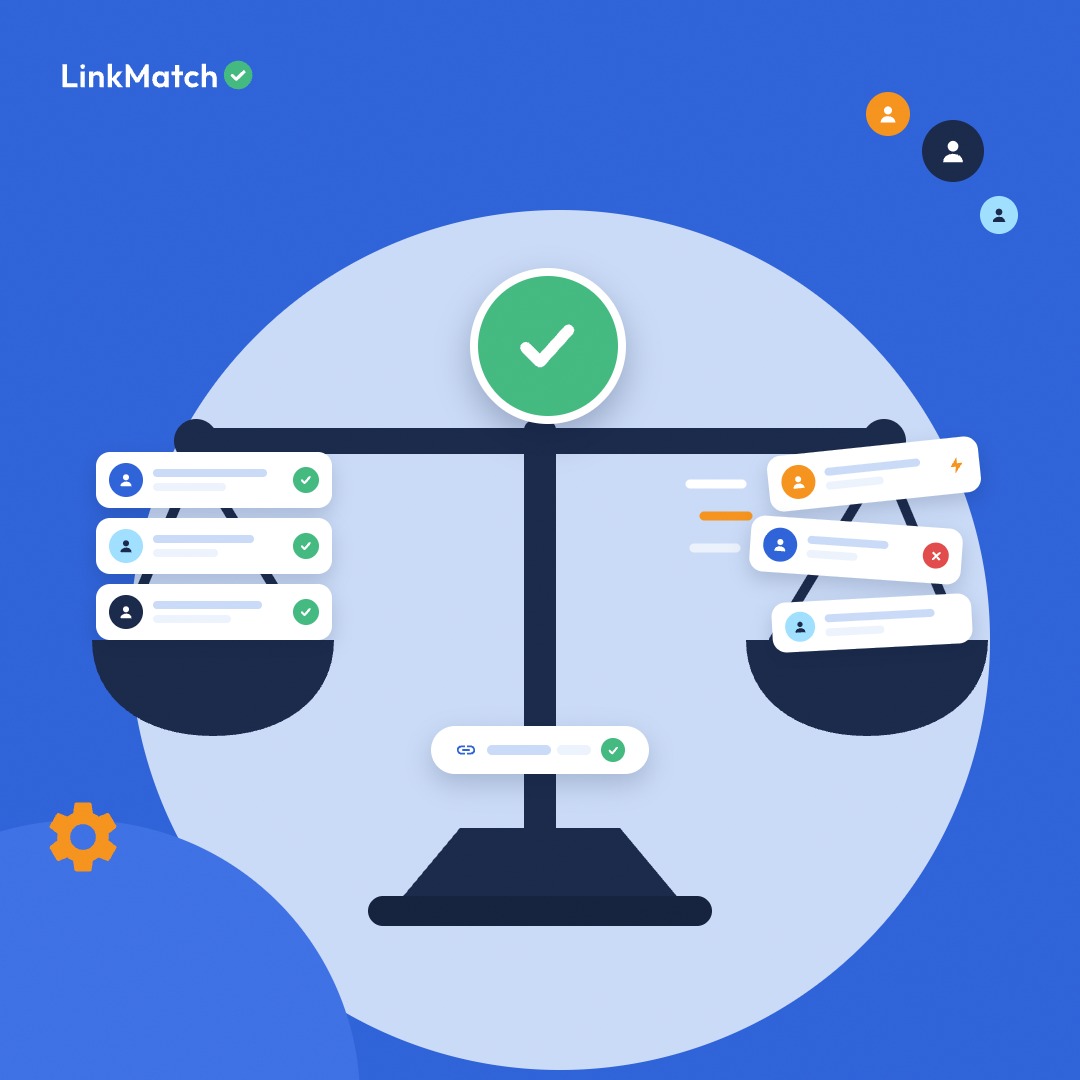
No duplicates, ever. Before LinkMatch creates any record, it checks the LinkedIn profile’s web address (URL) against your CRM. Green checkmark: this person is already in your CRM (click to view and edit them right there). Red cross: one click adds them. Names change, spellings vary, people share names: a profile URL is unique. This is the single biggest reason teams switch: the duplicates stop.
Complete records, not just a name. One click can create the contact plus the Deal, Task, or Activity that goes with them, prefilled and mapped to your custom fields: in Pipedrive, HubSpot, Zoho CRM, and the rest. Your CRM automations fire correctly because the records arrive complete.
Recruiting workflows are first-class. LinkMatch is the only tool in this comparison that serves ATS platforms: Zoho Recruit, Greenhouse, CATS, PCRecruiter. If your team does both sales and recruiting, one tool covers both.
Flat pricing. Standard and Professional tiers, per user, with email enrichment included. No credit pools to track, no surprise ceilings in a heavy month.
When Surfe Is Still the Right Choice
Honesty helps everyone choose faster:
- You’re on Salesforce. LinkMatch doesn’t support it; Surfe does.
- Finding contact data is the job. If your workflow is finding hundreds of verified emails and phone numbers per month and pushing them into outreach tools like Salesloft or Outreach, that’s exactly what Surfe is built for now.
For a three-way comparison including LeadCRM, see Surfe vs. LeadCRM vs. LinkMatch.
Switching from Surfe to LinkMatch
- Install LinkMatch from the Chrome Web Store and log in with your CRM account.
- Open the Options page and map profile fields to your CRM fields with the drag-and-drop editor: including the custom fields you already use.
- Create a dedicated profile-URL field in your CRM and map it. This activates URL-based duplicate matching against your existing records: including everything Surfe already synced.
- Disable or remove the Surfe extension, then browse LinkedIn as usual: every profile now shows you whether that person is already in your CRM.
Test it against your real CRM in an afternoon: start the 14-day free trial. No credit card required.
Frequently Asked Questions
Will LinkMatch recognize the contacts Surfe already added to my CRM?
Yes: as long as the profile URL is stored in your CRM, LinkMatch matches against it regardless of which tool created the record. Records without a stored profile URL can be matched and updated the next time you open that profile.
Can LinkMatch find email addresses like Surfe does?
Yes: 300 email credits per month on the Standard plan and 1,100 on Professional. The difference is emphasis: for LinkMatch it’s one part of keeping your CRM in sync with LinkedIn, while for Surfe it’s the main product. Teams that need very large volumes of emails and phone numbers may still prefer a dedicated data tool.
Can I run LinkMatch and Surfe side by side during a transition?
We recommend against running two profile-sync extensions simultaneously: overlapping page injections can break each other’s display and cause mismatched records. Disable one while evaluating the other.
Does LinkMatch work outside of sales: for recruiting?
Yes. Recruiting is a core use case: LinkMatch supports Zoho Recruit, Greenhouse, CATS, and PCRecruiter with the same one-click matching and record creation, and it works on XING as well: relevant for DACH-market recruiting.