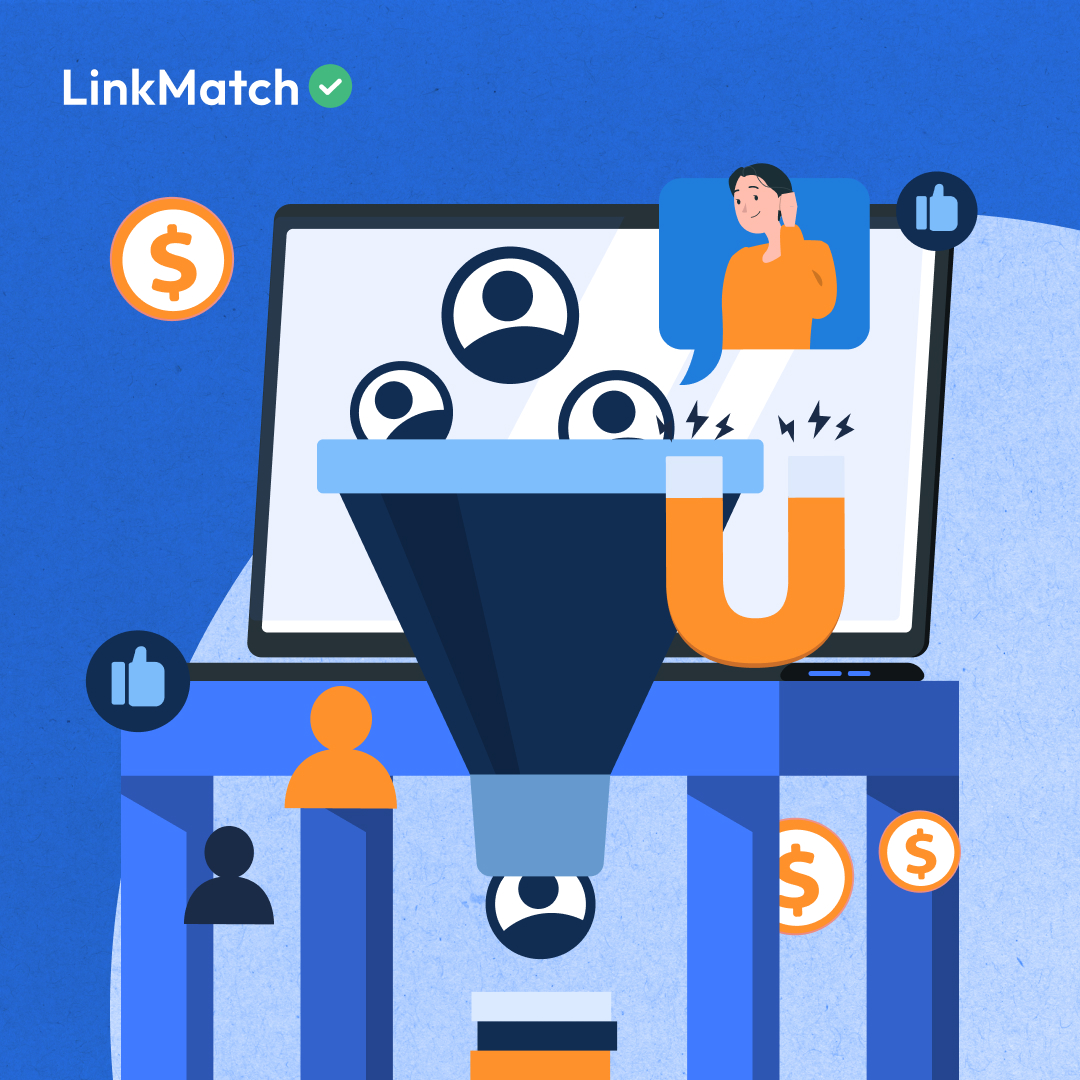


Business social platforms is where high-value conversations start: but unless those leads make it into your CRM with context, they’re just names in a feed.
For teams in fundraising, investor relations, and business development, the challenge isn’t finding people to talk to. It’s turning those interactions into trackable opportunities that move through a sales pipeline.
That’s where LinkMatch for HubSpot comes in.
The Problem: Leads Without a Home
Business development and fundraising teams often run multiple network touchpoints: from event participation to content posting: to identify potential investors, donors, and partners.
But without a fast, accurate way to move those connections into Hubspot, it’s easy for opportunities to stall.
The gap is usually in these steps:
- Capturing profile details quickly and accurately
- Adding them to HubSpot without duplicate records
- Assigning them to the correct stage in the sales pipeline
- Keeping conversation history attached for context
We have covered how different lead generation methods (such as polls and newsletters) can feed this process. But without an integration like LinkMatch, much of that engagement risks getting lost before it ever becomes a CRM record.
The LinkMatch + HubSpot Advantage
LinkMatch bridges the gap between LinkedIn activity and your HubSpot pipeline, ensuring every profile can be saved with context in seconds.
Key benefits for lead-to-pipeline conversion:
- One-click profile save: Add full profiles to HubSpot with all mapped fields, including URLs for accurate matching.
- Pipeline-ready data: Assign new contacts directly to a deal stage for better sales pipeline management.
- Message sync: Conversations are saved as HubSpot notes, making it easier to apply structured follow-up strategies.
- Real-time updates: LinkMatch flags job title or company changes so CRM records stay current.
From Awareness to Opportunity
In a typical workflow, professional networking platform activity generates interest: a connection request, an event interaction, or a comment on a post.
With LinkMatch, that interaction can be turned into a HubSpot record immediately:
- Identify the interaction: through any lead generation approach, whether inbound or outbound.
- Save with LinkMatch: Profile and key data fields transfer instantly into HubSpot.
- Qualify the lead: Use your internal process or lead qualification frameworks to prioritize.
- Nurture effectively: Apply targeted workflows in HubSpot, supported by insights from your professional network activity.
By the time a prospect reaches the proposal or closing stage, every touchpoint from first contact to latest message is already documented.
Why This Matters for Pipeline Health
A CRM is only as useful as the data inside it. LinkMatch ensures that leads sourced from your professional network: however they’re generated: enter HubSpot cleanly, with the information needed to track and advance them.
That means:
- No missed opportunities from unlogged business social platform interactions
- Accurate deal stage assignment for better sales pipeline analysis
- Reliable records for sales forecasting and reporting
Client Example: Lennox Hill Partners
The challenge:
Managing investor and donor outreach across multiple client mandates meant tracking hundreds of business social platform-sourced contacts in HubSpot. Manual data entry was slowing the process and creating gaps in follow-up history.
The solution:
With LinkMatch, profiles could be saved to HubSpot in one click, deal stages could be assigned immediately, and message sync ensured outreach context stayed attached to each contact.
The results:
- Contact entry time cut by more than 50%
- Cleaner, more reliable CRM data
- Greater visibility into past conversations for more informed outreach
Howard Freeman, Lennox Hill’s founder, summed it up:
“LinkMatch is in my top three work tools. It saves me more time than anything else: if you doubled the price, I’d still pay it.”
HubSpot Integration FAQ
Does LinkMatch work with all types of business social platform leads?
Yes. Whether the lead comes from a connection request, post engagement, event signup, or private message, LinkMatch can save it to HubSpot as long as the profile is visible to you.
Can I track professional networking platform-sourced leads through my HubSpot sales pipeline?
Absolutely. LinkMatch lets you assign deal stages at the moment of saving a contact, ensuring pipeline data stays accurate.
Will it keep my leads organized for follow-up?
Yes. Message sync and status indicators in HubSpot make it easier to apply follow-up strategies at the right time.
Does it support bulk lead capture from campaigns?
Yes. You can export multiple profiles from professional networking platforms search results or Sales Navigator lists directly into HubSpot.
LinkedIn is a registered trademark of LinkedIn Corporation and its affiliates. LinkMatch is not endorsed, affiliated with, certified or sponsored by LinkedIn Corporation. Any references to “LinkedIn” are for descriptive purposes only.