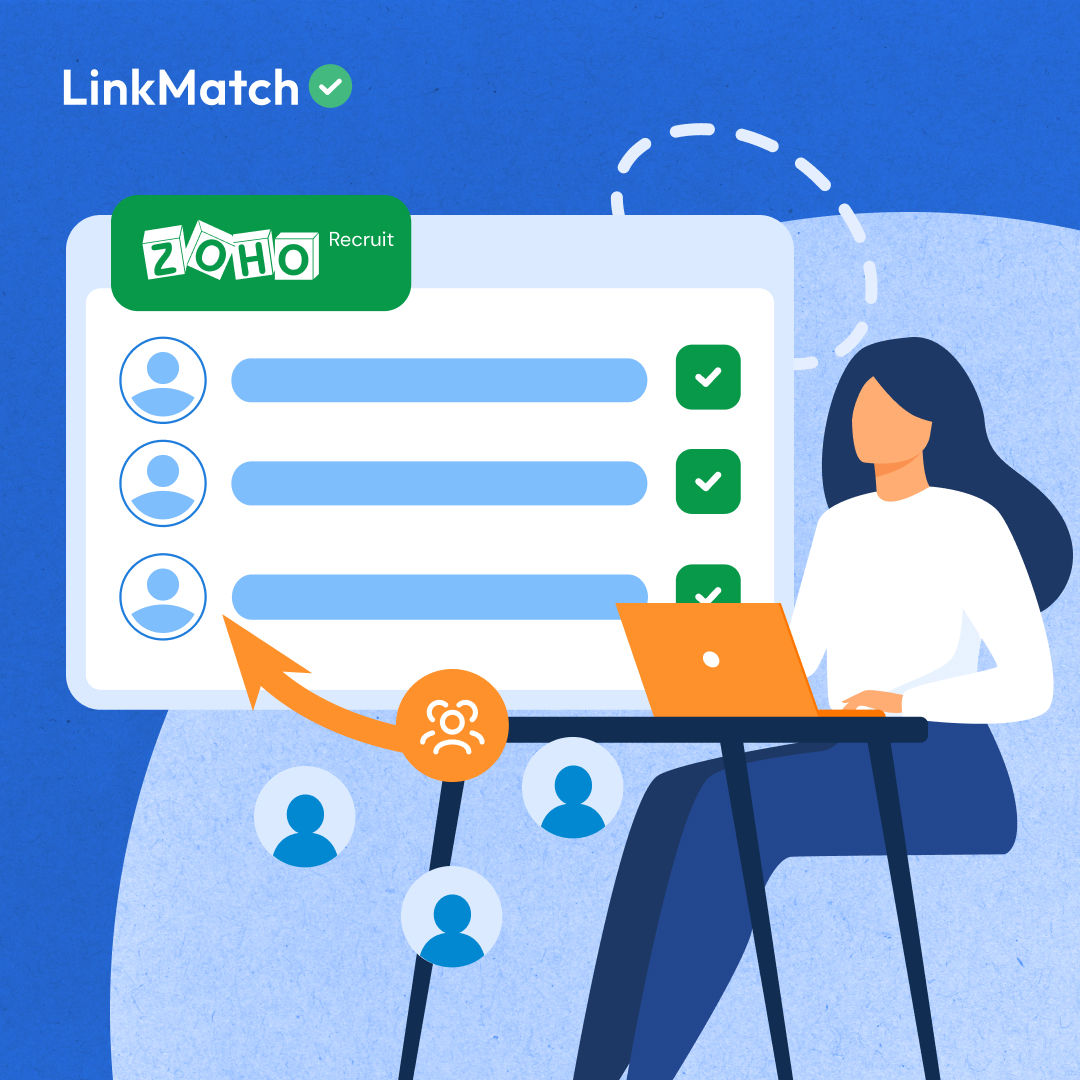


LinkMatch offers a Chrome extension that connects your professional network with Zoho Recruit, giving recruiters a direct bridge between candidate sourcing and ATS management.
This integration removes the friction of manual data entry, keeps candidate records accurate, and centralizes outreach history: so recruiters can focus on relationships instead of admin work.
For Recruiters Who Source at Scale
In fast-paced recruitment environments, especially in tech, finding and engaging quality candidates quickly is critical. Recruiters often move between your professional network (for sourcing) and Zoho Recruit (for managing applicants).
Yet for many recruiters, the workflow still looks like this:
- Find a candidate on professional networking platforms.
- Manually copy their details.
- Switch over to Zoho Recruit, paste everything, reformat, and hope it’s accurate.
It’s not just tedious: it’s risky. Errors creep in, profiles get duplicated, and candidates slip through the cracks.
That’s where LinkMatch steps in. When you combine the extension with sourcing tactics like advanced Boolean search techniques, you can quickly identify the right candidates and add them to Zoho Recruit in seconds, without breaking your focus.
The Business Social Platform–Zoho Recruit Connection: Key Features & Benefits
Visual Recognition That Works Where You Work
With LinkMatch installed, every search result becomes more informative. You’ll see green checkmarks for candidates already in your Zoho Recruit database, red crosses for new prospects, and update alerts when a profile changes.
This visual cue means you can immediately prioritize who to add and who to skip: essential for keeping your database clean without spending hours cross-checking records.
Data Transfer Without the Busywork
The integration turns business social platforms into an extension of your ATS. With one click, you can transfer a candidate’s full profile: work history, contact details, URL: straight into Zoho Recruit. Custom fields? Those are mapped automatically too, so your records stay consistent.
To make this even more powerful, start with a highly targeted search usingfilters for recruitment. Once you’ve built a refined list, LinkMatch lets you save each profile individually or export them in bulk for larger hiring campaigns.
From Sourcing to Shortlisting, All in One Place
The magic of LinkMatch isn’t just in saving contacts: it’s in keeping the recruitment process moving. You can assign candidates to specific vacancies from inside business social platforms, add notes about their suitability, and even sync past conversations into Zoho Recruit so your whole team has context before reaching out.
This is especially valuable when sourcing hidden talent pools. Techniques like finding passive candidates work best when you can quickly act on what you find: before someone else does.
Solving the Everyday Problems Recruiters Face
Ask any recruiter where their time goes, and you’ll hear the same pain points:
- Slow data entry: Without LinkMatch, adding one candidate might take 5–7 minutes. With it, you can do it in under two: even faster in bulk.
- Lost communication history: Message sync means every business social platform exchange is saved as a note in Zoho Recruit, so no one has to guess what was last discussed.
- Messy databases: The status indicators and update prompts help you avoid duplicates and keep profiles fresh.
- Scaling sourcing efforts: Large projects no longer require manual spreadsheet imports. Mass export from business social platforms search or Sales Navigator lists can populate your pipeline in minutes.
And if building a more inclusive candidate pool is your goal, combining LinkMatch with diversity sourcing strategies makes it easier to identify and track diverse talent, all while keeping every record centralized.
User Example: Indigo – Global Tech Recruitment
Indigo is a Ukraine-based global tech recruitment agency, working across multiple international roles at any given time. Their sourcing team often handles thousands of profiles a month.
The challenge: With a database of over 300,000 candidates, manual entry was eating up hours of productive time. Duplicate records were common, and without a centralized history of conversations, collaboration between team members was harder than it needed to be.
The solution: Indigo rolled out LinkMatch for Zoho Recruit across its sourcing team. They mapped key custom fields, such as URLs and skills, enabled message sync so every recruiter could see previous outreach, and used the mass export feature to speed up large-scale sourcing campaigns.
The results:
- Candidate entry time cut by more than 50%
- Improved visibility into candidate interactions
- Cleaner, more reliable data in Zoho Recruit
- Ability to scale sourcing without adding admin staff
Anna, Indigo’s founder, says it best:
“It’s not just about saving time: it’s about making our outreach smarter and our database cleaner. For us, LinkMatch plus Zoho Recruit is the perfect combination.”
Beyond the Basics: Getting More Out of LinkMatch
Once you’ve mastered the core workflow, LinkMatch opens up even more possibilities:
- AI Profile Analysis: predict job change likelihood or assess openness to new opportunities
- Message Templates: save proven business social platform outreach scripts with personalization tokens (#firstname, #company)
- Email Enrichment: find and verify email addresses not visible on professional networking platform profiles
To put it all together, see our guide onhow to recruit effectively and pair these tactics with LinkMatch automation for maximum efficiency.
Ready to Unlock Your Full Potential?
Start Your Free 14-day Trial
No credit card required.
Up and running in under 20 seconds.
LinkMatch for Zoho Recruit transforms professional networking platforms from a sourcing platform into a full recruitment command center. You’re not just saving contacts: you’re keeping data accurate, making collaboration seamless, and moving candidates through the pipeline faster.
For Indigo, it wasn’t simply a time-saver. It changed the way their team approached sourcing, outreach, and data management: proving that the right integration can be as valuable as the right candidate.
LinkedIn is a registered trademark of LinkedIn Corporation and its affiliates. LinkMatch is not endorsed, affiliated with, certified or sponsored by LinkedIn Corporation. Any references to “LinkedIn” are for descriptive purposes only.